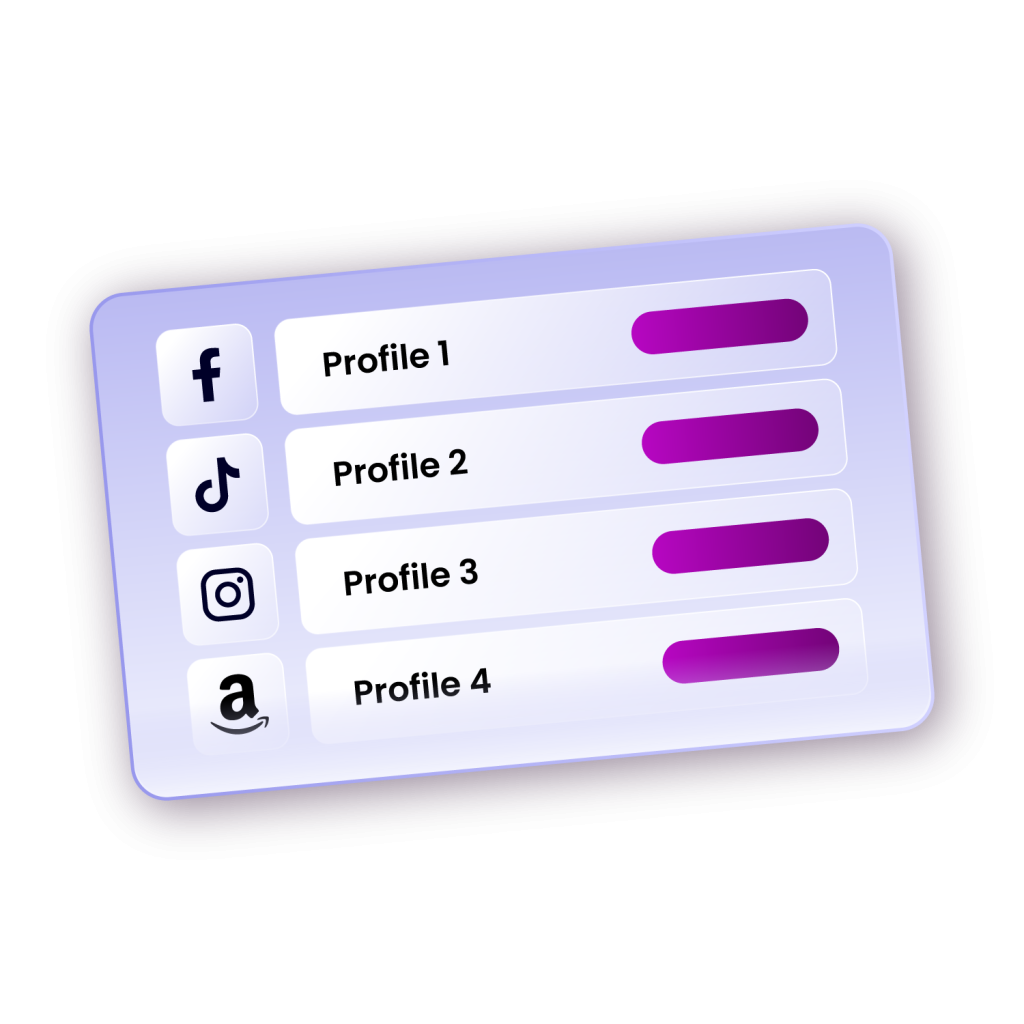
You’re running five client accounts, each with its own login, ad dashboard, and analytics tab. Between constant logins, platform restrictions, and scattered workflows, it’s easy to lose momentum. Browser session sharing changes that. It replaces the chaos of switching profiles or passing around passwords with a simple, secure way to collaborate inside the same browser environment.
Imagine giving your teammate access to your Facebook Ads dashboard or Shopify backend without sending a single credential. They log in from their device and pick up right where you left off. Everything, the cookies, session data, and environment, remains consistent. The workflow stays smooth, and your security stays intact. For digital marketers, agencies, or e-commerce operators, that’s the difference between wasted time and real efficiency.
This comprehensive guide explores what browser session sharing is, why it matters, and the best tool available to streamline your team's workflow.
What Is Browser Session Sharing and How Does It Work?
The term “browsing session” (or “session” for short) describes the activity you conduct during the period between when you open your browser and when you close it. Browsing session sharing is simply allowing multiple users to access and interact with the same browser session across devices.
During a browsing session, your browser stores temporary data, such as cookies, cache, and login tokens, that keep you logged in and maintain your activity across tabs. Essentially, it captures your browsing state: open tabs, authenticated accounts, and site preferences. When the browser is closed or the session is cleared, this data resets.
So when you share a session, you’re granting controlled access to that environment. The other user inherits its cookies, cache, and logins, but never your passwords, maintaining both privacy and security.
And this is made possible through multi-session or anti-detect browsers, which create isolated browser profiles, each with unique fingerprints containing details like device type, OS, and installed plugins.
(For a deeper understanding of how these browsers work, check out this comprehensive guide: How Does A Multi-Session Browser Work)
Behind the scenes, these tools synchronize session data in real time, so changes like refreshed cookies or new tokens instantly update for all connected users. This makes collaborative browsing possible without triggering platform flags for multiple logins.
Use Cases for Browser Session Sharing
The following are the major use cases for Browser session sharing:
Social Media Management
Social media teams managing multiple client accounts or brand profiles benefit enormously from browser session sharing. Instead of logging in and out constantly or sharing passwords, team members can access designated profiles configured with the appropriate accounts. One person might handle content creation while another manages community engagement, all working simultaneously without conflicts.
E-commerce Operations
Online retailers operating multiple storefronts or seller accounts across platforms like Amazon, eBay, or Shopify use browser session sharing to distribute workload among team members. Customer service representatives can access store sessions to address inquiries, while inventory managers update product listings, all without account conflicts.
Market Research and Competitor Analysis
Research teams use browser session sharing to maintain consistent browsing environments when gathering competitive intelligence. By sharing sessions configured with specific geographic locations and device fingerprints, teams can ensure they're seeing the same content and prices as target audiences in different markets.
Affiliate Marketing
Affiliate marketing teams managing multiple campaigns across various platforms utilise session sharing to coordinate their efforts. Team members can access pre-configured shared profiles that include affiliate accounts, tracking pixels, and necessary browser extensions, ensuring consistent tracking and attribution.
Web Development and Testing
Development teams use browser session sharing to replicate and troubleshoot user-reported issues. By accessing sessions configured with the same browser fingerprint and settings as affected users, developers can more easily reproduce and resolve problems.
Why Browser Session Sharing Matters for Teams
The traditional approach to team collaboration often involves sharing passwords, using the same device, or relying on cumbersome remote access tools. These methods create security vulnerabilities, reduce productivity, and make it difficult to maintain accountability across team activities.
Browser session sharing solves these problems by providing a secure, efficient way to distribute access to online resources. Team members can work simultaneously on different aspects of a project without interfering with each other's sessions. For instance, one team member might be responding to customer inquiries on a social media account while another schedules posts for the following week, all within separate but coordinated browser sessions.
The security advantages are substantial. Rather than sharing login credentials across multiple team members, which creates audit trail problems and increases the risk of unauthorised access, browser session sharing allows administrators to grant and revoke access to specific sessions without exposing passwords. This granular control ensures that team members only access the resources they need for their specific roles.
Furthermore, browser session sharing eliminates the common issue of platform restrictions. Many websites and online services limit the number of simultaneous logins or flag suspicious activity when they detect multiple logins from different locations. With proper session management tools, each team member appears as a unique user with a distinct browser fingerprint, avoiding these restrictions while maintaining compliance with platform policies.
Key Features to Look for in Browser Session Sharing Tools

Not all browser session sharing tools are created equal. When evaluating options for your team, consider these essential features:
- Profile Management and Organisation: The ability to create, organise, and manage multiple browser profiles is fundamental. Look for tools that offer folder structures, tagging systems, and search functionality to help teams keep track of dozens or even hundreds of profiles.
- Granular Permission Controls: Advanced tools provide role-based access controls, allowing administrators to specify who can view, edit, or share specific browser sessions. This ensures team members have appropriate access levels based on their responsibilities.
- Fingerprint Customisation: The best tools allow you to customise various aspects of browser fingerprints, including user agent, screen resolution, timezone, language settings, and WebGL parameters. This customisation helps avoid detection and account linking across platforms.
- Proxy Integration: Seamless proxy integration is crucial for managing sessions across different geographic locations. Look for tools that support various proxy types and make it easy to assign different proxies to different profiles.
- Synchronisation and Real-time Updates: For effective collaboration, browser session sharing tools should offer real-time synchronisation, ensuring that changes made by one team member are immediately visible to others with access to the same session.
- Security and Encryption: Given the sensitive nature of browser sessions and login credentials, robust encryption and security measures are non-negotiable. The best tools encrypt data both in transit and at rest, protecting your team's information from unauthorised access.
The Best Browser Session Sharing Tool: Incogniton
Incogniton stands out as one of the most comprehensive browser session sharing solutions available today. Incogniton combines powerful anti-detect technology with intuitive collaboration features at an affordable price point compared to some competitors.
The platform's team collaboration capabilities allow seamless sharing of browser profiles among team members with configurable permission levels. Administrators can create workspaces where team members can access shared browser profiles, each with its unique fingerprint and configuration. This makes Incogniton particularly valuable for social media management teams, e-commerce businesses, and digital marketing agencies.
Incogniton's synchronisation features ensure that when one team member makes changes to cookies, bookmarks, or extensions within a shared profile, these updates propagate to all team members with access. This real-time collaboration eliminates the confusion and version control issues that plague traditional account-sharing methods.
The platform also excels in fingerprint management, offering extensive customisation options for browser fingerprints. Teams can configure canvas fingerprints, WebGL data, audio context, fonts, and numerous other parameters to create unique, undetectable browsing profiles.
Combined with built-in proxy management, Incogniton enables teams to operate multiple accounts across any platform without triggering security alerts. The platform includes built-in free proxies for basic testing purposes, though serious operations will benefit from using dedicated proxies.
For businesses concerned about security, Incogniton implements military-grade encryption and provides detailed activity logs, allowing administrators to monitor who accessed which profiles and when. This audit trail is invaluable for maintaining accountability and investigating any security incidents.
Incogniton also offers browser automation capabilities through Selenium and Puppeteer, making it suitable for teams that need to combine session sharing with automated workflows.
Discover Incogniton's most important features
Best Practices for Browser Session Sharing

To maximise the benefits of browser session sharing while maintaining security, follow these best practices:
- Implement Clear Access Policies: Define who should have access to which browser sessions and establish approval processes for granting new access. Regularly review access permissions and revoke access when team members change roles or leave the organisation.
- Use Strong Session Organisation: Develop a consistent naming convention and folder structure for browser profiles. This organisation becomes crucial as your profile library grows and helps prevent confusion about which session serves which purpose.
- Maintain Separate Profiles for Different Purposes: Avoid reusing the same browser profile across unrelated projects or platforms. Creating dedicated profiles for specific purposes reduces the risk of account linking and makes it easier to manage permissions.
- Regularly Update Browser Fingerprints: Periodically refresh the fingerprints associated with your browser sessions to avoid patterns that might trigger detection. However, balance this with consistency requirements for accounts that might flag sudden fingerprint changes as suspicious.
- Document Session Configurations: Keep detailed records of how each browser session is configured, including associated proxies, extensions, and account credentials (stored securely outside the browser). This documentation helps onboard new team members and troubleshoot issues.
- Monitor Session Activity: Use activity logs and monitoring features to track how team members interact with shared sessions. This visibility helps identify training opportunities and detect any unauthorised or suspicious activity.
Conclusion
As digital collaboration continues to evolve, browser session sharing will become increasingly essential for businesses operating across multiple online platforms. By implementing the right tools and following best practices, your team can work more efficiently while maintaining the security and compliance standards necessary in today's digital landscape.
The key to success lies in choosing a tool that matches your team's specific needs, establishing clear policies and procedures, and providing adequate training to ensure all team members use shared sessions responsibly. With these elements in place, browser session sharing becomes a powerful enabler of collaboration, allowing your team to accomplish more while maintaining the security and accountability that modern businesses require.