Multi-store setups are a sign of growth: new regions, new brands, new pricing models. But as the number of stores grows, so does the operational overhead.
Managing multiple Shopify stores isn’t difficult because of Shopify—it’s difficult because of context switching. Each store adds another login session, browser state, and set of cookies that must stay separate.
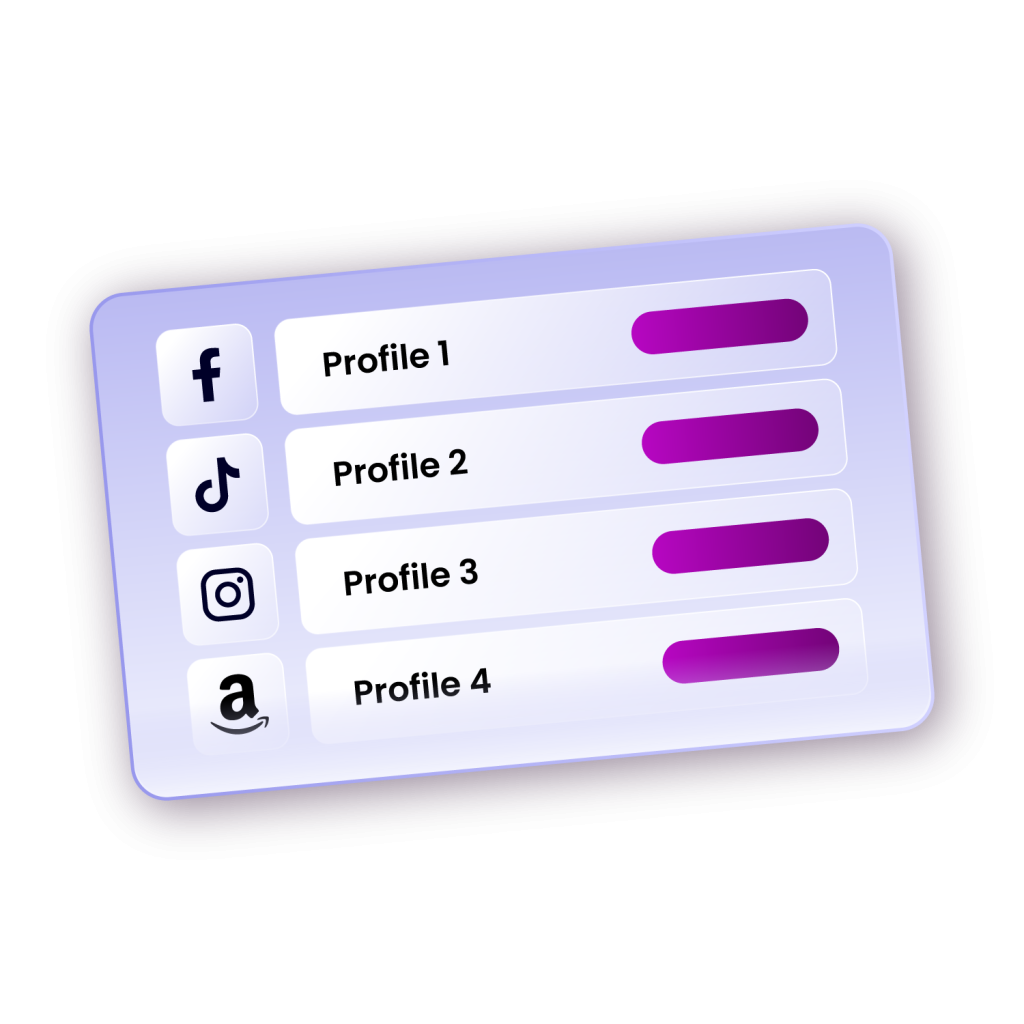
This is where Incogniton, an anti-detect browser, makes all the difference. Incogniton simplifies multi-store management by isolating each Shopify store in its own browser profile, keeping sessions and data separate while enabling simultaneous access.
But before we explore how Incogniton simplifies this process, it’s worth understanding how Shopify itself handles multiple stores, and why this often leads to the need for tools like Incogniton.
Can You Manage Multiple Shopify Stores on a Single Account?
Shopify allows users to create and manage multiple stores, but this depends on their subscription plan. You cannot run multiple stores under a single standard Shopify account. For example, if you are on the Shopify Basic plan, you must pay for a separate plan for each additional store you want to open.
The only way to have multiple stores under one account is through Shopify Plus, which starts at around $2,300 per month. This option is often not feasible for small and medium-sized sellers.
For most independent merchants, the practical solution is to operate multiple standard Shopify accounts, with each account linked to its own store. While this setup is entirely legitimate, it does come with challenges, such as login management, browser sessions, data isolation, and account security.
The Challenges of Managing Multiple Shopify Accounts

Managing multiple Shopify accounts might sound straightforward at first, but it quickly becomes technically and logistically demanding.
Each account has its own credentials, cookies, and security policies. Logging in and out repeatedly or managing accounts through the same browser can lead to session conflicts, verification prompts, or worse—Shopify flagging suspicious activity.
Here are some of the key challenges:
Login and Access Management
Shopify requires a unique email for each account. If you’re operating multiple stores, you must track several sets of login credentials and verification codes. Without an organised system, you risk account lockouts or wasted time recovering access.
Session Conflicts and Browser Fingerprinting
Even if you clear cookies or use incognito mode, Shopify (and many other platforms) can still identify your device through browser fingerprinting, an online tracking method that collects multiple data points like IP address, operating system, and hardware information. When multiple accounts are accessed from the same fingerprint, Shopify’s automated systems can flag this as unusual activity, leading to account restrictions.
Data and Security Risks
Managing multiple accounts from one browser can expose your business to cross-contamination risks. For instance, a security breach on one account could compromise another if both are accessed from the same browser environment. Keeping customer and business data siloed is essential for GDPR compliance and general best practice in e-commerce security.
Operational Inefficiency
Switching between stores manually, logging out and in, or managing orders across multiple dashboards quickly becomes unsustainable as your business grows. You lose valuable time that could be spent on strategy, marketing, or product development.
These pain points explain why many multi-store Shopify entrepreneurs turn to specialised tools like Incogniton. It doesn’t just provide convenience; it introduces a structural way to manage multiple accounts securely, without the risk of cross-detection or data leaks.
How Incogniton Helps Manage Multiple Shopify Accounts
Incogniton is an anti-detect browser specifically designed to solve these challenges while maintaining security, privacy, and operational efficiency.
With Incogniton, you can create separate browser profiles for each Shopify store. Each profile functions as a completely independent browser environment with its own unique browser fingerprint, separate cookies and cache, individual browsing history, distinct login credentials, and custom proxy settings.
This means you can log into multiple Shopify accounts simultaneously because each account appears to come from a completely different user and device.
Enhanced Security and Privacy
Incogniton provides enterprise-grade security features that protect both your business and your customers. By isolating each account in its own browser profile, you prevent cross-contamination of data, reduce the risk of session hijacking, and maintain strict separation between different business operations.
For e-commerce businesses operating in the UK, Europe, or serving European customers, GDPR compliance is legally required. Incogniton helps maintain GDPR compliance by keeping each store's data completely isolated in separate browser profiles, minimising the risk of data breaches affecting multiple stores. If one profile is compromised, your other stores and customer data remain protected.
The browser's built-in encryption and security features help protect customer data from unauthorised access, supporting your GDPR obligations. The browser also gives you granular control over cookies in each profile, helping you comply with GDPR's cookie consent requirements.
Streamlined Workflow and Team Collaboration
Beyond security, Incogniton dramatically improves workflow efficiency. Instead of logging in and out of different accounts, clearing cookies, or switching between browsers, you can simply switch between browser profiles with a single click. You can organise profiles by store, brand, or geographic region using colour-coding, custom names, icons, or folders.
For teams, Incogniton's collaboration features are invaluable. You can share specific browser profiles with team members, control their access levels, and monitor activity without sharing passwords. Your social media manager can access the store's Instagram account, your customer service representative can access the Shopify admin panel, and your inventory manager can access warehouse management tools—all without anyone having access to accounts they don't need.
For power users, Incogniton offers automation features that can help you manage repetitive tasks across multiple stores. You can synchronise actions across profiles with the Synchronizer. You can also create custom automation scripts thanks to its Playwright, Selenium and Puppeteer integrations.
Advanced Proxy Integration
Incogniton seamlessly integrates with proxy services, allowing you to assign different IP addresses to different browser profiles. This is particularly useful for managing stores in different geographic regions. You can use residential, datacenter, or mobile proxies depending on your needs.
There is also an in-built proxy where you can source proxies. And if you don't want to worry about proxies from scratch, Incogniton comes with free unblocked proxies that you can use.
How to Get Started with Incogniton for Your Shopify Accounts

Setting up Incogniton to manage your multiple Shopify accounts is straightforward. Here's a step-by-step guide to get you started.
Step 1: Download and Install Incogniton
- Visit the official Incogniton website and download the browser installation file.
- You will be asked to create an account if you don't have one already.
- Run the installer and follow the on-screen prompts to complete the setup process.
- Once installed, launch Incogniton to begin the initial configuration.
Step 2: Create Your First Browser Profile
- After launching Incogniton, log in to your Incogniton and create a profile.
- Assign a descriptive name to this profile, such as "Cloth Store" or "UK-Shoe Store."
- Configure the browser fingerprint settings by selecting your preferred operating system, browser version, and device type that Incogniton will emulate.
For most users, the default randomised settings provide sufficient anonymity, but advanced users can customise specific fingerprint parameters to match particular requirements.
Step 3: Configure Proxy Settings (Optional but Recommended)
- If you are also operating a region-focused store, integrating a proxy location tagged to that region gives the best effect.
- Navigate to the proxy configuration section within your profile settings to do this.
- The browser works with all major proxy providers, or you can use Incogniton's free proxy for basic unblocking needs if you don't have one.
Step 4: Launch Your Profile and Access Instagram
- Click the "Start" or "Launch" button next to your configured profile to open a new browser window with your customised settings activated.
- Navigate to shopify.com or your preferred Shopify access point.
Step 5: Set Up Browser Profiles for Each Shopify Store
- For each Shopify account you manage, create a new browser profile in Incogniton.
- Give each profile a descriptive name that matches your store name to avoid confusion. You can also add notes, tags, or custom icons to help you organise your profiles.
Step 6: Log Into Your Shopify Stores
Now comes the satisfying part.
- Open each browser profile and log into the corresponding Shopify store.
Step 7: Set Up Team Access if Needed
- If you have team members who need access to specific stores, use Incogniton's sharing features to grant them access to the appropriate browser profiles.
You can control exactly what each team member can access and monitor their activity for security purposes.
Conclusion
As Shopify merchants scale, running multiple stores becomes unavoidable. But the maintenance doesn't have to be overwhelming. With Incogniton, you can scale your e-commerce business efficiently while maintaining security, privacy, and compliance across all your stores.
By creating isolated browser environments for each of your Shopify stores, you can operate multiple accounts simultaneously without security risks, streamline your workflow, collaborate effectively with your team, and scale your e-commerce empire with confidence.
Whether you're just starting to expand beyond your first Shopify store or you're managing dozens of stores across different brands and regions, Incogniton provides the infrastructure you need to succeed.