
The day your second eBay account gets flagged is usually the day you realize your setup didn’t truly scale. Multiple eBay accounts are a common practice, used by sellers to segment product lines and by everyday users to separate buying and selling. The issue isn’t having more than one account, but how those accounts are accessed and managed in practice.
These are all legitimate, practical reasons, and unlike many platforms, eBay allows them. However, trying to run and manage these multiple accounts all from the same browser on the same device often presents a big headache for people.
In this guide, we'll walk you through exactly how to use Incogniton to manage multiple eBay accounts safely, efficiently, and at scale. So whether you're a power seller, a reseller, or a dropshipping entrepreneur, this is where you want to be or what you want to read.
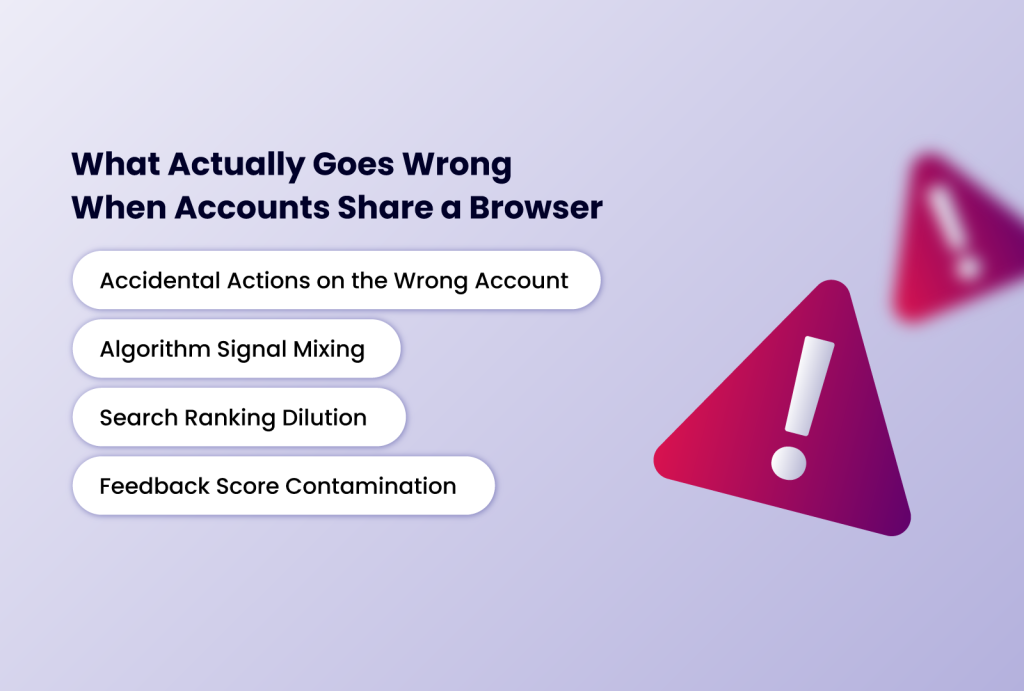
What Actually Goes Wrong When Accounts Share a Browser
Most people don't realize the operational problems until they're already in the middle of them. Here's what sharing a browser environment actually does to your accounts.
Accidental Actions on the Wrong Account
This one is straightforward and happens to everyone eventually. You have multiple tabs open, you think you're on your buyer account, and you leave a seller response to a feedback comment that was meant for your other account. Or you accidentally place a bid while logged into your main selling account. These aren't catastrophic errors individually, but they create inconsistencies, and inconsistencies accumulate into a messy, hard-to-manage operation.
Algorithm Signal Mixing
eBay's recommendation and search algorithms are built around behavioral signals: what you browse, what you buy, what you search for, and how long you spend on listings. When you're logged into a buyer account and a seller account from the same browser session, those signals don't stay neatly partitioned.
Your browsing as a buyer starts informing what eBay shows you as a seller, and vice versa. Over time, this muddies both accounts: your seller dashboard gets cluttered with buyer-oriented recommendations, and your search visibility can shift in ways that have nothing to do with your actual selling performance.
Search Ranking Dilution
If you're running two seller accounts in different niches, mixed signals are especially damaging. eBay's algorithm builds a relevance profile for each seller based on their listing history, category activity, and engagement patterns.
When two accounts share a browser environment, those profiles can bleed into each other. The result is that neither account gets the clean, category-focused signals that drive strong search placement. Your electronics account starts looking like a hybrid storefront instead of a specialist, and specialists consistently rank better.
Feedback Score Contamination
Feedback scores are the credibility currency of eBay. Many sellers maintain separate accounts specifically to keep their scores clean per niche; a negative experience in one category shouldn't penalize a completely unrelated storefront. But when accounts aren't properly isolated, eBay can link them together, meaning issues on one account can surface as context on another. You built that separation for a reason; a shared browser environment quietly undoes it.
Why the Obvious Fixes Don't Actually Work
The usual workarounds people reach for are either incomplete or impractical.
Incognito mode clears cookies when you close the window, but it does nothing to separate the underlying browser environment between sessions. You still get signal mixing during any given session, and the moment you open a new incognito window and log in, you're back to the same problem.
Different browsers (Chrome for one account, Firefox for another) get you further; you genuinely have separate cookie stores and some fingerprint differences. But you still share the same device, the same IP address, and the same behavioral context. It also doesn't scale: what do you do when you have three accounts? Four? You run out of browsers.
A separate device per account is the most thorough solution, but it's also the most impractical. You'd need to buy, maintain, and physically manage one device per account. It's expensive, cluttered, and completely unscalable. Switching between machines to check different accounts isn't a workflow; it's chaos.
What you actually need is a way to give each account its own fully isolated browser environment, complete with separate session data, separate behavioral context, and separate identity signals, all from a single machine. That's exactly what Incogniton is built for.
How do workarounds for managing multiple eBay accounts fare
| Incognito Mode | Multiple Browsers | Separate Devices | Incogniton | |
| Separate cookies | ❌ Per session only | ✅ | ✅ | ✅ |
| Separate fingerprints | ❌ | ⚠️ Partial | ✅ | ✅ |
| Separate IP address | ❌ | ❌ | ✅ | ✅ With proxy |
| Scales beyond 2–3 accounts | ❌ | ❌ | ❌ | ✅ |
| Saved sessions per account | ❌ | ⚠️ Manual | ✅ | ✅ Automatic |
| Team collaboration | ❌ | ❌ | ⚠️ Impractical | ✅ |
| Cost & practicality | Free but ineffective | Low but limited | High & unscalable | ✅ Efficient |
How Incogniton Keeps Your Accounts Genuinely Separate
Incogniton is an anti-detect browser that lets you create fully isolated browser profiles. Each profile is its own self-contained environment; it has its own cookie storage, its own session data, its own browsing history, and its own browser fingerprint. When you open a profile and log into an eBay account, everything that happens in that profile stays in that profile.
Pair each profile with its own dedicated proxy, and you also get a unique IP address per account. Each profile then represents a completely independent user context: separate behavioral history, separate network identity, separate everything. eBay's algorithm treats each account as it should be treated: on its own terms, with its own signals, building its own relevance profile.
The practical benefits follow directly from that isolation:
- Your buyer account and seller account never share behavioral signals. What you browse as a buyer doesn't affect what eBay shows you or how it ranks you as a seller.
- Each seller account builds a clean, category-focused relevance profile. No cross-niche bleed, no diluted search ranking.
- Feedback scores stay genuinely independent across accounts.
- Sessions are saved per profile, so each profile automatically opens to the right account. No manual switching, no accidental logins.
Beyond creating isolated profiles, Incogniton offers several features specifically useful for eBay sellers managing multiple accounts at scale:
- Profile syncing across devices: Your profiles and their data can be synced across multiple computers, making it easy to hand off account management to a team member or work from different locations.
- Team collaboration: Incogniton's team plans allow you to share specific profiles with team members without sharing sensitive credentials, ideal for VA-assisted eBay operations.
- Automation compatibility: Incogniton supports Selenium and Puppeteer automation frameworks, allowing you to automate repetitive tasks like listing creation, price updates, or order tracking across accounts.
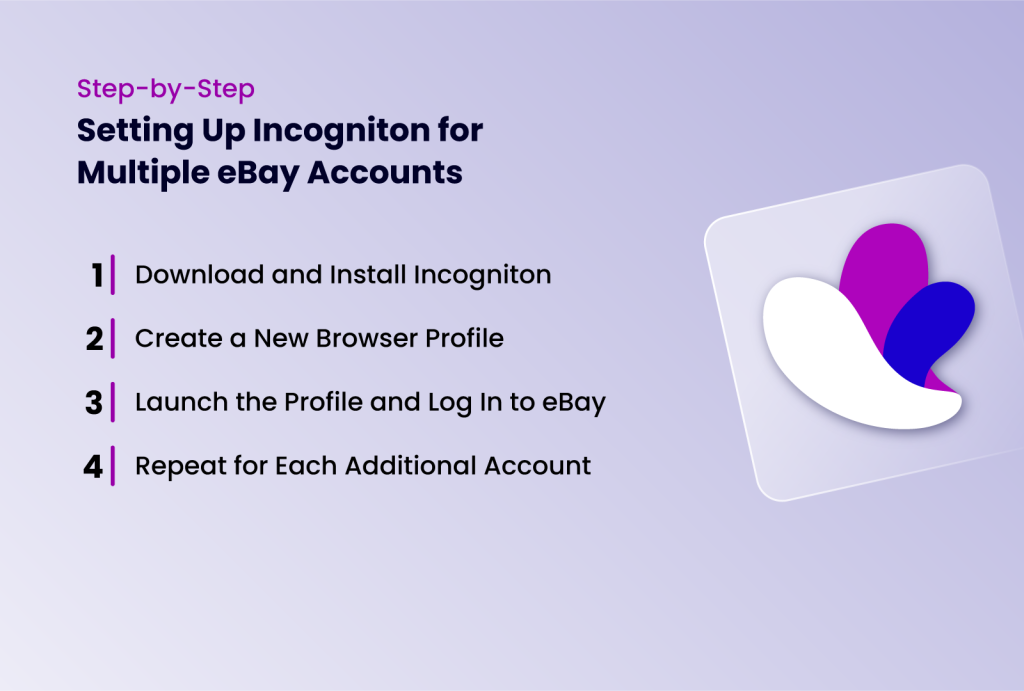
Step-by-Step: Setting Up Incogniton for Multiple eBay Accounts
Getting started with Incogniton is straightforward. Follow these steps to create and manage your eBay seller profiles safely.
Step 1: Download and Install Incogniton
- Visit the official Incogniton website, download the application, and install it
- Create an account if you don’t already have one.
- Incogniton offers a free plan that allows up to 10 browser profiles, which is sufficient to get started. For larger operations, paid plans unlock unlimited profiles and additional features like profile syncing and team collaboration.
Step 2: Create a New Browser Profile
- Launch the app
- In the Incogniton dashboard, click "New Profile" and give it a descriptive name — for example, "eBay Account 1 - Electronics" or "eBay Dropship - Clothing."
- Under the proxy settings section, enter the proxy credentials you want to assign to this account. You can opt to use the free unblocked proxy that comes with the browser.
- Incogniton will automatically generate a realistic browser fingerprint for the profile, but you can also manually customize parameters such as operating system, screen resolution, language, and time zone to ensure consistency with the account's registered location.
Step 3: Launch the Profile and Log In to eBay
- Click the "Start" button next to your new profile.
- An isolated browser window will open.
- Navigate to eBay.com and log in with the credentials for that specific account.
- The session, cookies, and all associated data will be saved to that profile, meaning next time you open it, you'll be automatically logged into the correct account without any cross-contamination from your other accounts.
Step 4: Repeat for Each Additional Account
Create a separate profile for every eBay account you manage, each with its own unique proxy. Never swap proxies between profiles or log into a different eBay account from within an existing profile.
Best Practices for Managing Multiple eBay Accounts with Incogniton
Incogniton handles the technical side of mult-account management, but good operational hygiene is equally important. Here are two essential best practices to follow:
Never Mix Accounts Across Profiles
This is the single most important rule. Always open each eBay account exclusively within its designated Incogniton profile. Logging into the wrong account from the wrong profile creates a session-level connection between the two accounts that defeats the entire purpose of the setup.
A simple way to prevent this is to name your profiles clearly and specifically from the start. "eBay Buyer — Personal" and "eBay Seller — Electronics" are far better names than "Profile 1" and "Profile 2." The clearer your labels, the less likely you are to open the wrong one under pressure.
Maintain consistent proxy locations.
Your proxy's geographic location needs to match the registration details and shipping address associated with that account. This is one of those details that is very easy to overlook
If your account is registered to an address in New York but your proxy routes through a server in Berlin, that inconsistency is a red flag in eBay's fraud detection system.
Stick to residential or mobile proxies that correspond to the account's registered region, and never swap a proxy from one profile to another. Once a proxy is assigned to a profile, it stays there.
Conclusion
Multiple eBay accounts make sense for a lot of reasons, keeping buying and selling separate, running distinct storefronts, and protecting your reputation across niches. The problem has never been having multiple accounts. The problem is that managing them from a shared browser environment quietly undermines the very separation you set them up to create.
Whether you're just getting started with a second eBay account or you're running ten accounts across multiple niches, Incogniton is the anti-detect browser built for the job. By following the step-by-step setup guide and best practices outlined in this article, you'll be able to create a reliable, professional multi-account eBay operation that is both scalable and secure.
Start your free Incogniton account today and set up your first profile in under 5 minutes.