
Google’s Gemini is one of the most capable AI systems available today. Since replacing Google Bard, Gemini has matured rapidly. Newer models now compete directly with, and in numerous cases outperform, ChatGPT and Claude on benchmarks.
It has a clear edge in certain workflows, thanks to its superior image and video generation capabilities and Google Workspace integration. As a result, Gemini has built a loyal base of power users, especially among creatives, researchers, marketers, and other productivity-focused professionals.
That performance, however, comes with a catch. Google is a bit more aggressive than most competitors when it comes to usage metering. Many users now consider Gemini one of the most tightly rate-limited large language models available today. Those limits become a real bottleneck if you rely on Gemini AI chat for serious creative or professional work.
This guide explains what Gemini’s usage limits actually look like, how they compare to ChatGPT and Claude, and how to bypass those limits safely using Incogniton, without proxies or VPNs.
What are Gemini’s Usage Limits?
On the surface, Gemini feels generous. Unlike ChatGPT, which often displays a clear “you’ve reached your limit” warning, Gemini’s restrictions tend to appear quietly and inconsistently. One moment you’re using Gemini 2.5 Pro, the next you’re silently downgraded to a weaker model.
So how many prompts can you actually use?
Google didn't publish hard, transparent numbers. On its official support page, the company explains the vague figures it published, saying:
“Gemini Apps has usage limits designed to ensure an optimal experience for everyone. This means we may at times have to cap the number of prompts and conversations you can have, or how much you can use some features, within a specific timeframe.”
These specific figures we listed below are based on the cross-sourcing on the internet and user testing. While not officially guaranteed, they accurately reflect real-world behaviour for most users.
Free Tier Limits
Free users are allowed limited access to Gemini 2.5 Pro before being shifted to Gemini 2.5 Flash.
- Gemini 2.5 Pro: ~5 prompts per day
- Image generation/editing: Up to 100 images per day
- Deep Research reports: 5 per month
Gemini Pro ($19.99/month)
The Pro plan is designed for individual professionals but still enforces strict ceilings.
- Prompts: 100 per day
- Images: 1,000 per month
- Videos: 3 per month
- Deep Research: 20 reports per month
Gemini Ultra ($249.99/month)
Ultra is clearly positioned for enterprises and studios.
- Prompts: 500 per day
- Images: 1,000 per month
- Videos: 5 per month
- Deep Research: 200 reports per month
For most individuals, the price alone makes this tier unrealistic.
Just like its competitors, Claude and ChatGPT, when you hit the rate limits with the tools, Gemini switches over to a lesser and more powerful model but faster, Gemini 2.5 Flash.
One should also note that Gemini usage is not counted evenly. According to Google, “the number of prompts you can use before hitting the limit varies and depends on factors like how long and complex your prompts are, the size and number of files you upload, and the length of your conversations with Gemini Apps.”
This means complex prompts consume quota far faster than short text queries. A single “heavy” prompt, such as analysing a document or iterating on a long piece of content, can consume the equivalent of multiple basic prompts. Over the course of a normal workday, this adds up quickly.
Google also promised that it “replenishes regularly,” but you can certainly see that it wants you to upgrade to the paid plans.
How to Use Incogniton to Bypass Gemini 2.5 Pro Limits
Gemini 2.5 Pro is Google's most advanced and best model. As you can see, there is a strong limit on how much value you can extract from it, especially if you are not paying Google at least $19.
Gemini’s limits are enforced at the account and session levels. Google treats each logged-in Gmail session as a distinct user environment. This means that if you can reliably separate browser fingerprints, cookies, and sessions, you can distribute your usage across multiple accounts without triggering automatic restrictions.
This is where Incogniton comes in.
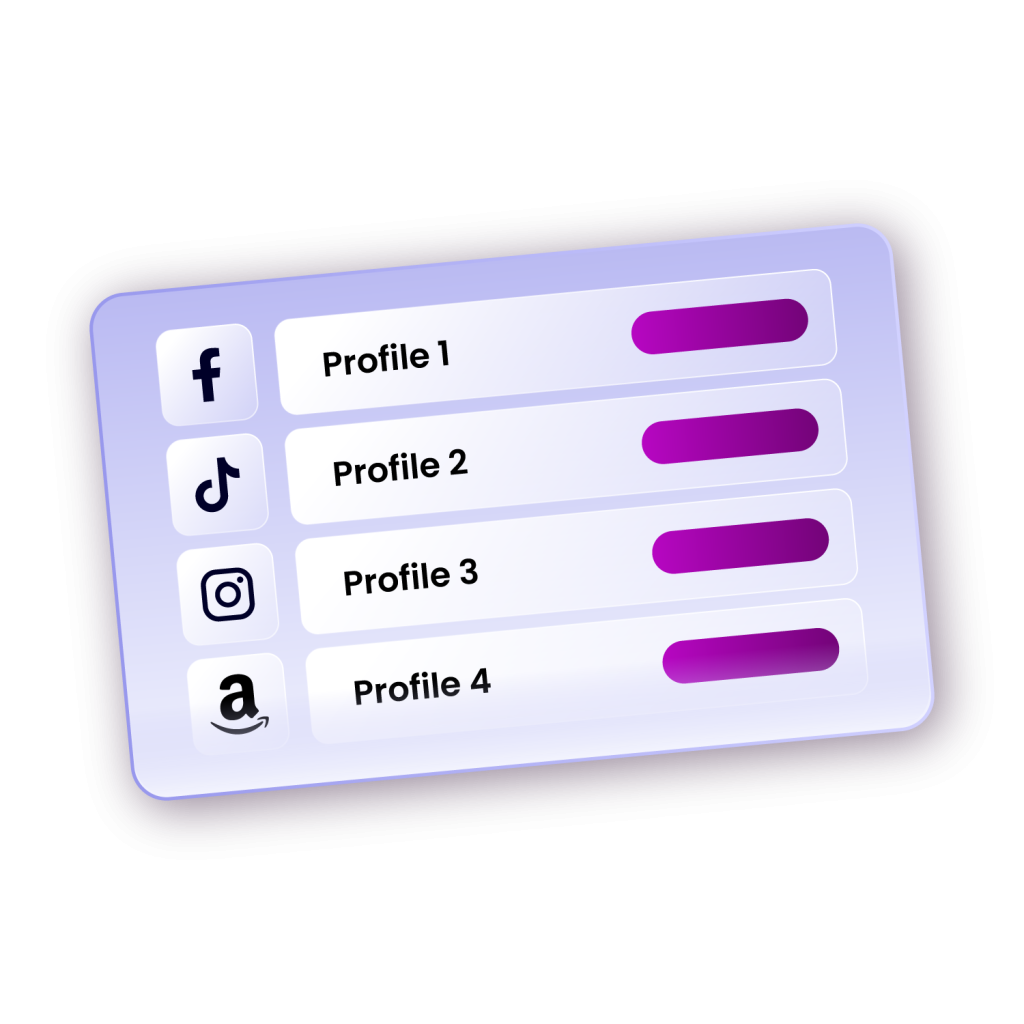
Incogniton is an anti-detect browser designed to manage multiple isolated profiles. Each profile operates as a separate device with its own fingerprint, cookies, local storage, and session data. This makes it ideal for managing multiple Gemini accounts safely.
To get started, you need to first create multiple Gmail accounts. After you have done this, follow the steps described below.
Step-by-Step Guide to Bypassing Gemini Restrictions with Incogniton
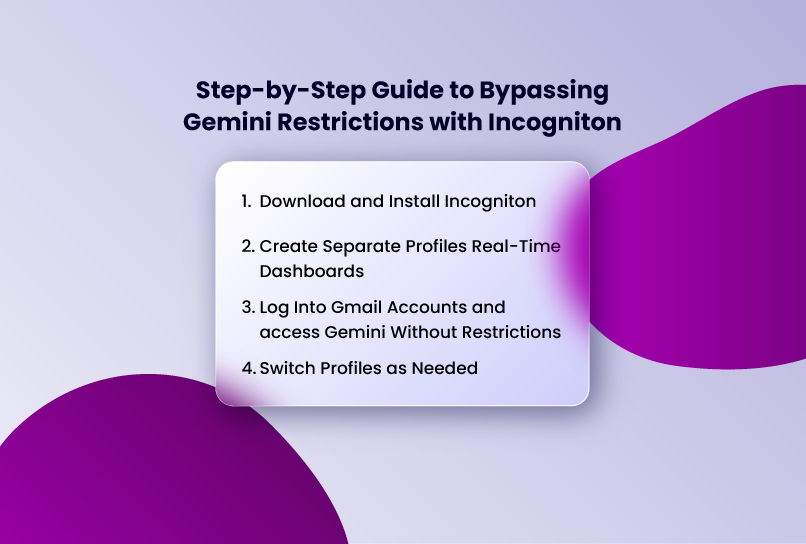
- Step 1: Download and Install Incogniton
- Visit Incogniton's official website and download the browser.
- If you're a new user, sign up for an account.
- Step 2: Create Separate Profiles
- Open Incogniton and set up a new profile for each Gmail account.
- Ensure that each profile has a unique browser fingerprint by adjusting settings like user agent, time zone, and screen resolution.
- Step 3: Log Into Gmail Accounts and access Gemini Without Restrictions
- Accessing Gemini requires a Gmail account, so sign into a different Gmail account in each Incogniton profile.
- Open Gemini in each profile
- You can now send messages within the Gemini usage limit for each account.
- Step 5: Switch Profiles as Needed
- When you hit the limit, switch to another.
Tips for Maximising Effectiveness
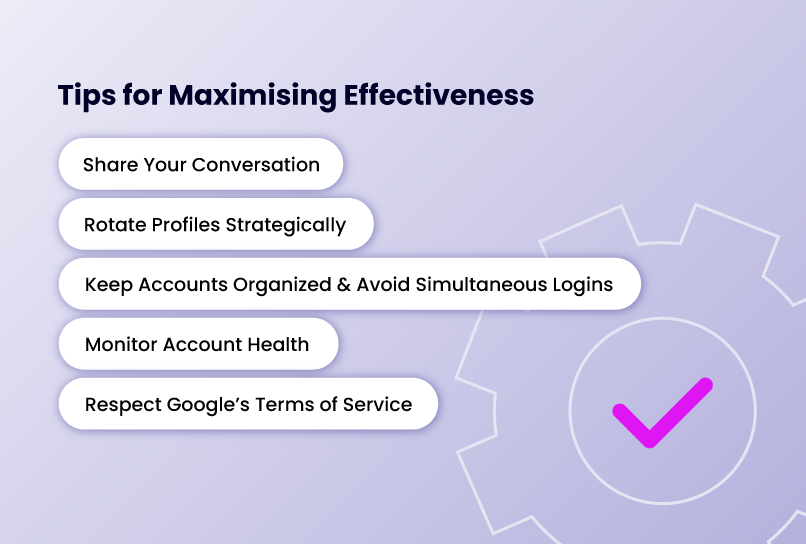
Bypassing Gemini’s usage limits is only half the equation. To make this setup sustainable, you need to use it deliberately. The strategies below focus on using Incogniton and multiple Gemini accounts efficiently, safely, and in a way that supports long, uninterrupted work sessions rather than short-term gains.
Share Your Conversation
Instead of starting a new chat each time, transfer conversations between accounts to continue where you left off. There is a ‘share’ button on the top-down menu of every conversation you start with the chatbot. Click on it to get the link, which you will open with another account when you switch.
Rotate Profiles Strategically
Manage your usage effectively. You don't want a situation where you have exhausted all your allowed messages on all accounts at once. Plan your usage by switching accounts in a structured manner to ensure continuous access without overloading any one account.
Another strategy is to reserve one or two profiles as "emergency backup" accounts that you only touch when absolutely necessary. This creates a safety net for those critical moments when you need to complete an urgent task and have exhausted your regular rotation.
Keep Accounts Organized & Avoid Simultaneous Logins
Assign meaningful names to your Incogniton profiles to differentiate between accounts and track usage efficiently. Instead of generic labels like "Profile 1" or "Account A," use descriptive names that reflect each account's purpose or current usage status. For example: "Gemini-Morning-Primary," "Gemini-Backup-Research," or "Gemini-Creative-Work."
Also, don't log into multiple accounts from the same profile, as this can link them and trigger restrictions.
Monitor Account Health
Keep an eye on the health and standing of each account. If Google sends any security warnings, verification requests, or unusual activity notifications to any of your Gmail accounts, address them promptly. Ignoring these signals can lead to account suspension, which would eliminate that profile from your rotation.
Periodically use each account for normal Gmail and Google services activities beyond just Gemini. Check email, use Google Drive, watch YouTube, or conduct searches. This varied activity helps maintain each account's appearance as a legitimate, active user rather than a single-purpose Gemini access point.
Respect Google’s Terms of Service
While this method is effective, use it responsibly and ethically. Always respect Google's Terms of Service. Avoid misuse that could overload their servers. The goal is to extend your legitimate access to Gemini for productive work, not to abuse the system or engage in activities that violate Google's policies.
Conclusion
Gemini’s usage limits are a real constraint for anyone doing sustained, serious work. Using Incogniton alongside multiple Gmail accounts provides a practical way to work around those restrictions without relying on proxies and VPNs. When handled carefully, this setup allows you to maintain steady access to Gemini’s most capable models while keeping each session cleanly isolated.
For freelancers, researchers, content creators, and small business teams, this approach bridges a critical gap. It offers a way to scale access to Gemini’s advanced capabilities without committing to the steep cost of Gemini Ultra. Used responsibly, it turns Gemini from a stop-start tool into a dependable part of a professional workflow.