


Facebook and Meta collect information such as IP addresses, device characteristics, cookies, and activity signals to operate their services, personalize content and ads, and protect platform integrity.
A proxy changes the IP address visible to the destination, but it does not make an account anonymous or exempt it from Facebook’s rules and security checks.
A quality proxy for Facebook routes your connection through another IP, helping you reduce direct IP exposure, support legitimate business workflows, or test location-specific experiences where this is permitted and consistent with Meta’s terms.
But all proxies are not equal. This guide breaks down when and why to use a Facebook proxy, how it works, the best types, and how to use one safely.
What is a Facebook proxy?
A Facebook proxy is a special type of server that acts as a middleman between your device and Facebook. Instead of connecting to Facebook directly, your request is routed through the proxy, which gives you a new IP address—one that may reflect the proxy server’s location. It does not conceal all account, device, or activity signals from Facebook.
A proxy is a networking tool, not a way to avoid enforcement. Use one only when it is appropriate for your workflow and consistent with applicable laws and Meta’s terms.
Why would you need a Facebook proxy?
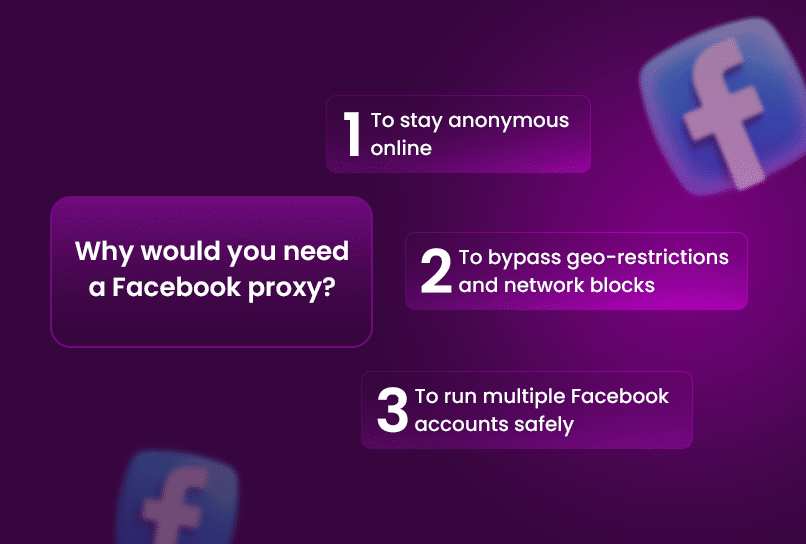
There are several good reasons to use a Facebook proxy, especially if you're doing more than just casual browsing. Here are some:
1. To reduce direct IP exposure
Your IP can reveal approximate location and network information. Facebook's systems also use track your browser fingerprints, cookies, and IP addresses as part of broader integrity and security checks.
If privacy is a concern, a reputable proxy can limit direct IP exposure to the destination. It does not provide anonymity, so review the provider’s privacy practices and Facebook’s data controls before using one.
RELATED: How to Prevent Facebook from Tracking You
2. To support permitted location-specific workflows
A Facebook proxy server can route traffic through a different location for legitimate testing or business workflows. Do not use a proxy to bypass local laws, employer or school controls, or Meta access restrictions.
3. To manage a business presence
Facebook’s terms allow one personal account. If you represent a business, organization, brand, or product, use your personal account to create and manage a Facebook Page.
Use approved roles, permissions, and business tools to give team members the access they need. A proxy does not guarantee that Facebook will treat accounts or sessions as unrelated.
Which Type of Proxy is Best for Facebook?
The best proxy for Facebook depends on your specific goals. Different proxy types offer trade-offs in network origin, speed, cost, and reliability. Here's how to choose the right one based on your use case:
- Residential Proxies These use IP addresses supplied through residential networks. Assess the provider’s consent practices, reliability, and geographic coverage before using them.
- Mobile Proxies These route traffic through mobile carrier IPs. They can be useful when a workflow legitimately requires mobile-network connectivity, but they do not guarantee trust or prevent enforcement.
- Datacenter Proxies These proxies are fast and affordable and may suit permitted tasks that need predictable capacity. Do not use them to automate access, collect data, or operate bots without Meta’s explicit permission.
In short: choose a proxy type based on your legitimate technical requirements, the provider’s privacy practices, and compliance with Meta’s terms.
Best Facebook Proxy Providers
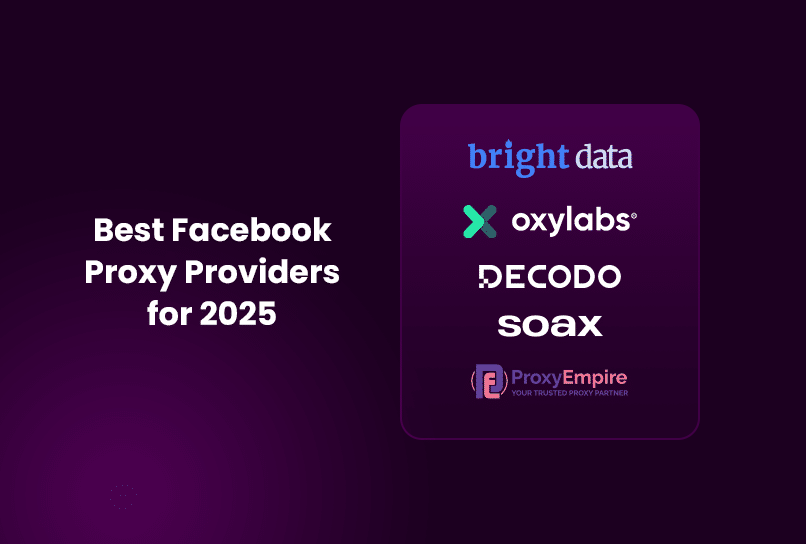
Choosing a Facebook proxy provider requires careful review. Compare current pricing, network coverage, privacy practices, support, and whether the intended use complies with Meta’s terms. Provider features and plans change frequently, so confirm details directly with each provider before purchasing.
1. Bright Data
- Proxy types: Confirm the provider’s current offerings before purchasing.
-
Key Features:
- Check current network coverage and targeting options directly with the provider.
- Review current targeting, session, and integration options.
- Verify current pricing and usage policies before purchasing.
- Consider if: Its current coverage, support, and compliance controls fit your permitted use case.
- Downside: Pricey for small users
2. Oxylabs
- Proxy types: Confirm the provider’s current offerings before purchasing.
-
Key Features:
- Check current network coverage and product availability directly with the provider.
- Review its tools and ensure any data collection has Meta’s express permission.
- Verify current pricing and usage policies before purchasing.
- Consider if: Its current services match an authorized, policy-compliant workflow.
- Downside: Also pricey for small users
3. CyberYozh
- Proxy types: Confirm the provider’s current offerings before purchasing.
-
Key Features:
- Review current mobile and residential network options.
- Check current network coverage directly with the provider.
- Verify current traffic limits, speeds, and acceptable-use policies.
- Consider if: Its controls and support fit your permitted social-media workflow.
- Downside: Higher costs than budget proxy providers
4. Decodo (formerly Smartproxy)
- Proxy types: Confirm the provider’s current offerings before purchasing.
-
Key Features:
- Check current network coverage and available locations directly with the provider.
- Review current dashboard, API, and session-management options.
- Verify current pricing and plan limits before purchasing.
- Consider if: Its current plans meet your budget and reliability needs.
- Downside: Less ideal for mobile-specific Facebook automation
5. SOAX
- Proxy types: Confirm the provider’s current offerings before purchasing.
-
Key Features:
- Check current network coverage directly with the provider.
- Review current session-management and integration options.
- Verify current pricing and plan limits before purchasing.
- Consider if: Its current services support your authorized workflow.
- Downside: Might struggle with high-speed demands or large-scale operations
6. ProxyEmpire
- Proxy types: Confirm the provider’s current offerings before purchasing.
-
Key Features:
- Check current network coverage directly with the provider.
- Review current session-management options.
- Review current geographic targeting options.
- Verify current pricing and plan limits before purchasing.
- Consider if: Its current plans, coverage, and support match your needs.
- Consideration: Confirm performance, limits, and support for your expected usage.
Facebook Proxy Alternatives
If you're not ready to invest in premium proxies, there are alternative options you can explore, but each comes with significant limitations.
1. Free browser proxy sites
Though some proxy providers offer a free trial or a limited free tier, which can be useful if you want to test a provider’s quality before committing to a paid plan, for individuals or casual users just looking to browse Facebook without restrictions, free Facebook proxy sites might seem like an attractive option.
A proxy website for Facebook, such as KProxy, CroxyProxy, or 4everproxy, lets you access Facebook through a shared proxy server in your browser. These Facebook proxy online services offer quick access without software installation, which might appeal to casual users trying to bypass local restrictions. But they’re highly insecure and unreliable for anything beyond basic browsing.
These free Facebook proxies are not recommended for serious use, especially when handling sensitive information or running multiple accounts.
2. VPNs
VPNs (Virtual Private Networks) can change your IP address and encrypt your internet traffic, which helps protect your activity from ISPs and local snooping. That encryption is useful, especially on public Wi-Fi or in countries with restricted internet access. But for Facebook, VPNs come with real limitations.
Most VPNs use shared IP addresses, meaning multiple users are assigned the same IP. Facebook can easily detect these shared IPs and may associate them with bot traffic, leading to account flags, CAPTCHAs, or bans, especially if you're managing multiple accounts or engaging in automated actions.
On top of that, VPNs are often more expensive than proxies while offering less control. You usually can’t choose specific IP types (residential, mobile), rotate IPs as precisely, or manage like you can with proxy setups.
RELATED: VPNs vs. Proxies: Deep Comparison - Incogniton
How to Use a Proxy with Facebook Responsibly
Using a proxy does not protect you from account restrictions or replace compliance with Meta’s terms. Use only approved tools and workflows, and keep your activity consistent with Facebook’s rules.
1. Understand the Limits of Proxies
A proxy changes an IP address but does not conceal all browser, device, or activity signals. Facebook may process device characteristics, cookies, IP addresses, and other information to operate its services and protect platform integrity.
Do not use proxies or browser tools to disguise identity, bypass enforcement, or make accounts appear unrelated. For business collaboration, use Facebook Pages and approved roles and permissions.
Choose tools based on security, privacy, and authorized business needs, not on claims that they can prevent detection or account action.
2. Use Authorized Automation Only
Do not automate access to or collection of Facebook data unless Meta has expressly authorized it. Use Meta’s approved tools and APIs for permitted business workflows, and follow their applicable terms and rate limits.
RELATED: ShadowBanned Facebook: How to Identify & Fix It
3. Use residential or mobile proxies
Residential and mobile proxies use different network sources and may differ in cost, reliability, and geographic coverage. If you need a proxy for Facebook Ads, choose a stable, reputable provider and ensure that your advertising and account activity comply with Meta’s policies.
4. Avoid excessive or suspicious activity
Avoid spam, deceptive activity, and unauthorized automation. Follow Facebook’s Community Standards and use approved tools for any business or advertising workflow.
If Facebook requests verification or flags an account, follow the platform’s official review and recovery process instead of attempting to work around it.
Manage Your Browser Environment with Incogniton
If you use proxies as part of a legitimate business workflow, managing the browser environment alongside the network connection can make your setup easier to organize. Incogniton lets you create and manage separate browser profiles, with proxy configuration built into the profile setup.
Incogniton is useful for when different projects or team members need separate browser environments. You can configure the relevant proxy settings for each profile and keep those environments organized from one dashboard. As always, use profiles and proxies only for workflows that comply with Facebook's terms and applicable policies.
Explore Incogniton and see how browser profile management can fit into your workflow.
Conclusion
A Facebook proxy can be useful for legitimate, permitted workflows that need location-specific networking. It is not required for normal Facebook use and does not override Meta’s terms or security controls.
Before selecting a provider, review its privacy practices, current pricing, network coverage, and acceptable-use policy. Use Facebook Pages, approved roles, and official Meta tools to manage a business presence.
No proxy can guarantee access, anonymity, or protection from account action. Responsible use means complying with Meta’s rules and applicable laws.


