
Mozilla Firefox is one of the most trusted browsers for users who prioritize online privacy. Famed for its robust privacy features and open-source credibility, it's a top recommendation among tech experts worldwide.
Mozilla Firefox, with its strong privacy-focused features and reputation, is one of the top go-to choices for many internet users who want privacy online. The browser, one of the earliest, is famed for its privacy tech and is a popular recommendation by many tech experts.
But how does it stand with anti-detect browsers, which promise true anonymity and privacy?
This article will dissect the core differences between Firefox's privacy protections and a purpose-built solution like Incogniton, explaining why one is designed for individual anonymity and the other is engineered for secure, scalable multi-account management.
Understanding the Core Missions: Privacy vs. Anti-Detect Browsers
Privacy browsers and anti-detect browsers share a similar premise, but the latter is far more advanced and robust in both scope and execution.
What is a Privacy Browser (Like Firefox)?
A privacy browser is designed to protect a single user's data from external trackers, advertisers, and websites. Its primary goal is to minimise the data you leak during your normal browsing activity.
Key Characteristics of Privacy Browsers:
- Focus on Tracker Blocking: They block third-party cookies, fingerprinting scripts, and social media trackers to prevent cross-site profiling.
- Enhanced Security Features: They often include features like HTTPS-Only mode, DNS-over-HTTPS, and warnings for malicious sites.
- User-Centric Anonymity: The goal is to make you, the individual user, harder to track across the web. It doesn't create new, separate digital identities.
- Single Environment: It operates as one cohesive browsing environment. Even with containers or private windows, the underlying browser fingerprint (a unique set of device and browser characteristics) largely remains consistent.
Firefox excels in this arena. Its Enhanced Tracking Protection, strict mode, and commitment to open-source development make it a champion for individual privacy. However, when you log into a second Gmail account or a second Amazon seller account from the same Firefox installation, you are still fundamentally the same "device" and "user" from the platform's perspective. So it is 100% anonymous in that sense.
What is an Anti-Detect Browser (Like Incogniton)?
An anti-detect browser is engineered for identity separation and account security. Its primary goal is to allow a single human operator to manage multiple online accounts without those accounts being linked together by the platforms they are used on.
Key Characteristics of Anti-Detect Browsers:
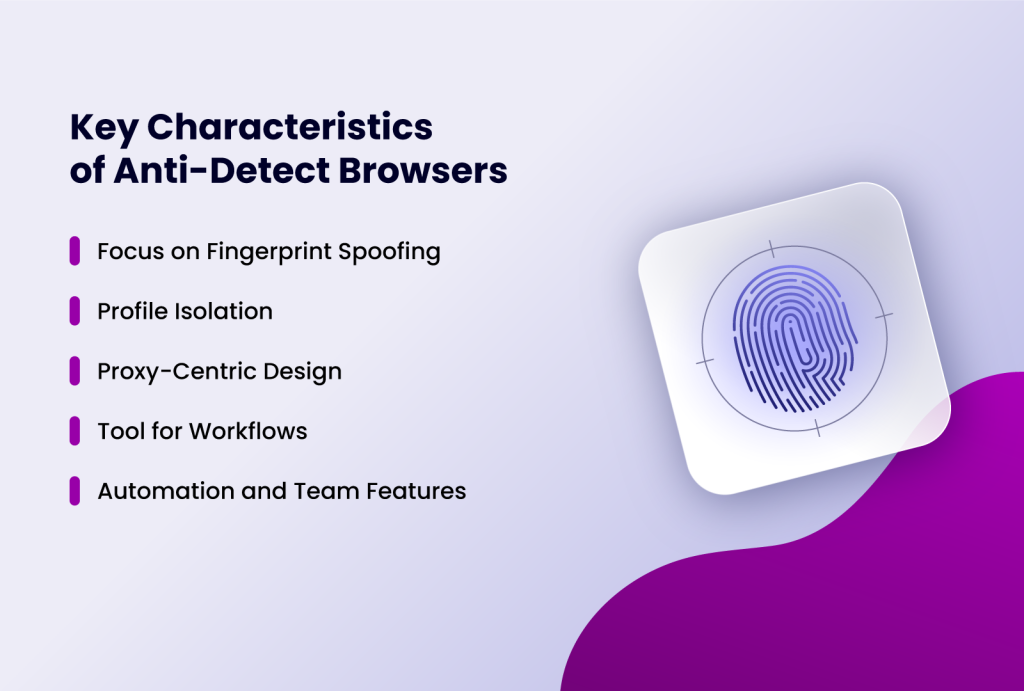
- Focus on Fingerprint Spoofing: They don't just block fingerprinting; they actively create and manage unique, believable browser fingerprints for each profile. As detailed in our knowledge base, a reliable anti-detect browser gives you optimal control over cookies, network identity, and browser fingerprint—the three primary tracking vectors.
- Profile Isolation: Each browser profile operates as a fully independent environment with its own cookies, local storage, cache, and browser parameters. There is no data leakage between profiles.
- Proxy-Centric Design: They are built from the ground up to integrate proxies seamlessly. Each profile can be assigned a unique IP address (residential, mobile, or datacenter), creating distinct network identities.
- Tool for Workflows: They are professional tools used for multi-account management, social media marketing, ad verification, web scraping, and e-commerce operations where account bans are a real business risk.
- Automation and Team Features. Professionals don't manually log into hundreds of accounts. Incogniton offers native integration with automation frameworks like Selenium, Puppeteer, and Playwright, allowing for scripted, large-scale operations.
Features like the Synchronizer (to mirror actions across profiles) and "Paste as Human Typing" are built for efficiency at scale. Firefox offers no comparable native automation capabilities for multi-profile management. Incogniton provides shared workspaces, granular permission controls (view, edit, admin), and activity logs—essential for any business or team environment. Firefox has no native team collaboration features.
Incogniton is a prime example. It treats each profile as a separate virtual device. From a website's perspective, traffic from Profile A (with a Windows 10 fingerprint and a UK residential IP) and Profile B (with a macOS fingerprint and a US mobile IP) appear to be from two completely different, real users.
The Technical Divergence: Fingerprinting is the Key Battleground
The most critical difference lies in how each browser handles the powerful technique of browser fingerprinting.
Firefox's Approach: Resistance and Minimization
Firefox, in its privacy-focused modes, aims to make your fingerprint less unique or more common. It does this by:
- Blocking known fingerprinting scripts via its tracking protection lists.
- Resisting some techniques like canvas fingerprinting by prompting users or returning a generic value.
- Offering some randomization in advanced privacy settings.
The result? Your single Firefox instance becomes harder to track uniquely, but it's still one instance. If you create a new container for a different account, the core fingerprint parameters—like screen resolution, installed fonts, WebGL renderer, and timezone—often remain unchanged or are only minimally altered. Sophisticated platforms can still correlate your accounts based on these hard-to-change parameters.
Incogniton's Approach: Creation and Control
Incogniton doesn't just resist fingerprinting; it masters it. For each profile, it generates a complete, consistent, and realistic digital fingerprint. This includes spoofing over 25+ parameters such as:
- User Agent & Platform: Mimicking specific versions of Chrome on Windows, macOS, or Android.
- Hardware Concurrency & Device Memory: Simulating different CPU cores and RAM amounts.
- Screen Resolution & Color Depth: Assigning believable monitor specs.
- WebGL & Canvas Fingerprints: Generating unique and persistent graphic renderer data.
- Time Zone, Language, and Geolocation: Aligning the software settings with the profile's proxy location.
This level of control is impossible in a standard browser like Firefox. Each Incogniton profile is a virtual machine-like environment tailored to appear as a genuine, standalone device to any website.
Firefox vs Incogniton: When Should You Use a Privacy Browser vs. an Anti-detected Browser?
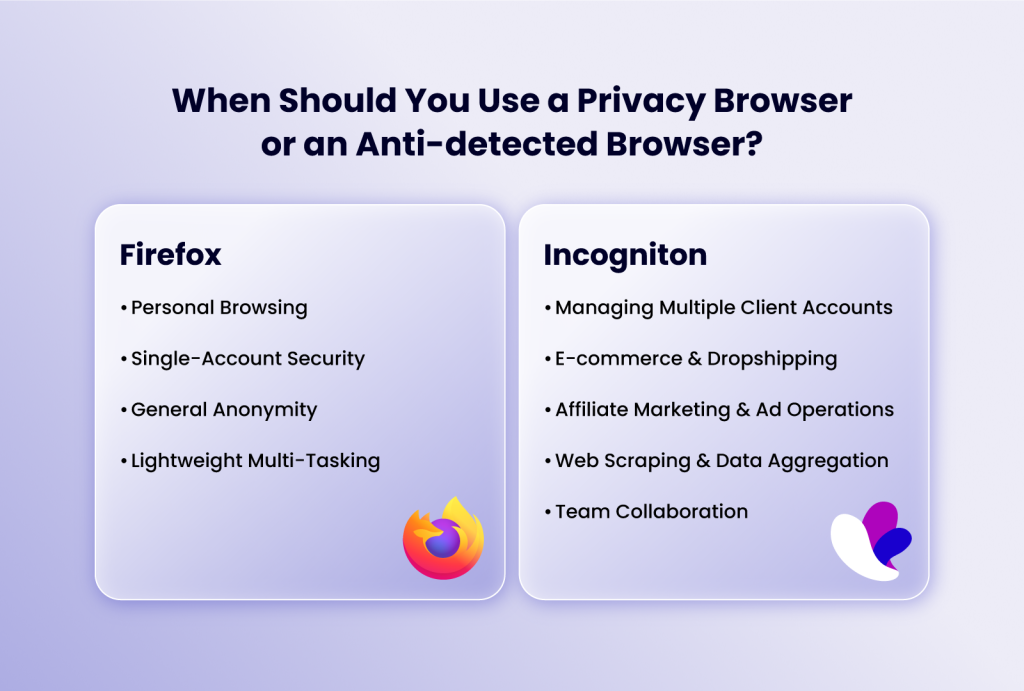
Let's translate these technical differences into practical scenarios.
When Firefox (Privacy Browser) Shines:
- Personal Browsing: You want to search the web, read news, and shop online without being followed by ads.
- Single-Account Security: You're concerned about your primary email or social media account's privacy.
- General Anonymity: You wish to reduce your digital footprint against data brokers and trackers.
- Lightweight Multi-Tasking: Using Container tabs to keep work and personal logins separate on the same sites.
When Incogniton (Anti-Detect Browser) is Essential:
- Managing Multiple Client Accounts: A social media manager running 20 different Instagram accounts for various clients.
- E-commerce & Dropshipping: An Amazon or Shopify seller operating several stores to diversify or test different markets, where platform policies strictly forbid one seller having multiple accounts.
- Affiliate Marketing & Ad Operations: Running multiple ad accounts on platforms like Facebook or Google Ads to scale campaigns or conduct A/B testing without triggering fraud alerts.
- Web Scraping & Data Aggregation: Collecting data from websites at scale without getting IP-blocked, by rotating unique fingerprints and proxies.
- Team Collaboration: An agency where multiple team members need secure, audited access to the same client profiles without sharing passwords or risking cookie contamination.
Attempting any of the Incogniton use cases with Firefox—even with a VPN and private windows—is a recipe for disaster. Platforms will quickly link the accounts based on the consistent underlying browser fingerprint, leading to shadow bans or outright suspensions.
Comparison Table
| Feature | Firefox | Incogniton |
| Primary Purpose | Personal privacy & tracker blocking | Multi-account management & identity separation |
| Browser Fingerprint | Minimizes/resists fingerprinting | Creates unique fingerprints per profile |
| Number of Identities | One (single browser instance) | Unlimited separate profiles |
| Cookie & Data Isolation | Partial (via containers) | Complete — profiles are fully isolated |
| Proxy Integration | Manual, basic | Built-in, per-profile assignment |
| IP Address Management | Via external VPN only | Native per-profile proxy support |
| Automation Support | None native | Selenium, Puppeteer, Playwright |
| Team Collaboration | None | Shared workspaces, role permissions, activity logs |
| Parameters Spoofed | Minimal | 25+ (WebGL, canvas, fonts, timezone, hardware, etc.) |
| Best For | Everyday private browsing | E-commerce, ad accounts, social media management, scraping |
| Account Ban Risk | High for multi-account use | Designed to minimize detection |
| Cost | Free | Free trial (10 profiles, 14 days); paid plans available |
Conclusion
Firefox is an excellent privacy browser. It is a vital tool for protecting your personal digital life. It should be commended for its stance against surveillance capitalism and its efforts to give control back to the individual user.
Incogniton, however, is a professional anti-detect browser. It is a specialized tool designed for the complex, high-stakes task of managing multiple, completely isolated online identities. It solves a business and operational problem that privacy browsers were never architected to address.
If your goal is to browse the web more privately, enhance Firefox with its built-in protections and trusted extensions. If your goal is to securely and reliably manage multiple accounts for business, marketing, or research without the constant fear of detection and bans, you need a dedicated anti-detect browser.Ready to experience the difference? See for yourself why a purpose-built tool is essential. Try Incogniton free for 14 days and get 10 browser profiles to test its advanced fingerprint spoofing, perfect proxy integration, and team collaboration features.