
The DeFi boom of 2020 didn't just change how money moves; it changed how much of it you're personally responsible for. If you're active in crypto today, you're probably juggling a MetaMask for Ethereum, a Phantom for Solana, maybe a Keplr for staking, and a handful of exchange wallets on top of that. All from one laptop. That's where things get messy.
Managing a dozen wallets from a single device sounds convenient until you realise how many ways it can go wrong. Wrong wallet connected to a dApp, seed phrases stored carelessly, browser fingerprinting silently linking accounts you thought were separate, the list goes on.
A 2024 report found over $1.7 billion lost to crypto hacks and scams, with poor wallet hygiene playing a significant role. This guide covers how to fix that, without giving up the convenience of working from one machine.
Why Multiple Wallets?
Most serious crypto users don't run everything through one wallet by choice; they do it because the alternative is messier. One wallet handles daily DeFi activity, another holds long-term assets you don't want anywhere near a sketchy mint site, and a few more exist purely for airdrop farming or NFT collections. The logic is simple: if one wallet gets compromised, the others stay clean.
Privacy plays into it, too. Keeping separate wallets for different activities makes it harder to connect your financial footprint across platforms. If you're participating in multiple airdrop campaigns, for instance, running everything from a single wallet address is both a security risk and a dead giveaway to projects looking to filter out farmers. Separation isn't paranoia, it's just good practice at this point.
The NFT side of things adds another layer. Many collectors keep their high-value pieces in a wallet that never touches a mint site or interacts with unverified contracts. The wallet that holds a valuable NFT should arguably never do anything else. Same idea applies to long-term holdings: a wallet sitting on a significant stack of ETH has no business being connected to an experimental DeFi protocol. Compartmentalization is how you limit the blast radius when something goes wrong, and in crypto, something eventually always goes wrong.
The Challenges of Multi-Wallet Management
While the benefits are clear, managing multiple wallets from a single device presents several challenges.
Security Risks
Imagine accidentally connecting your cold storage wallet to an unverified dApp during a rushed NFT mint. Or approving a transaction you didn't properly verify because you were toggling between four browser windows and lost track of which profile was active. These aren't edge cases. They're the kind of errors that happen when the operational overhead of managing multiple wallets starts to compound.
Complexity and Inefficiency
Managing seed phrases across multiple wallets introduces its own headaches. The more wallets you run, the more phrases you're responsible for. One lapse in judgment, storing them in a notes app, emailing them to yourself, or reusing a password, and the whole system unravels. The organizational burden alone leads people into shortcuts that create serious vulnerabilities.
Browser Fingerprinting and Tracking
Many crypto platforms, especially decentralized applications (dApps), rely on browser fingerprinting to identify and track users. Using multiple wallets through standard browser extensions on a single device without proper isolation can inadvertently link your activities, compromising your privacy and potentially flagging your accounts.
None of this means multiple wallets are a bad idea. It means they require a proper setup rather than just opening more browser tabs.
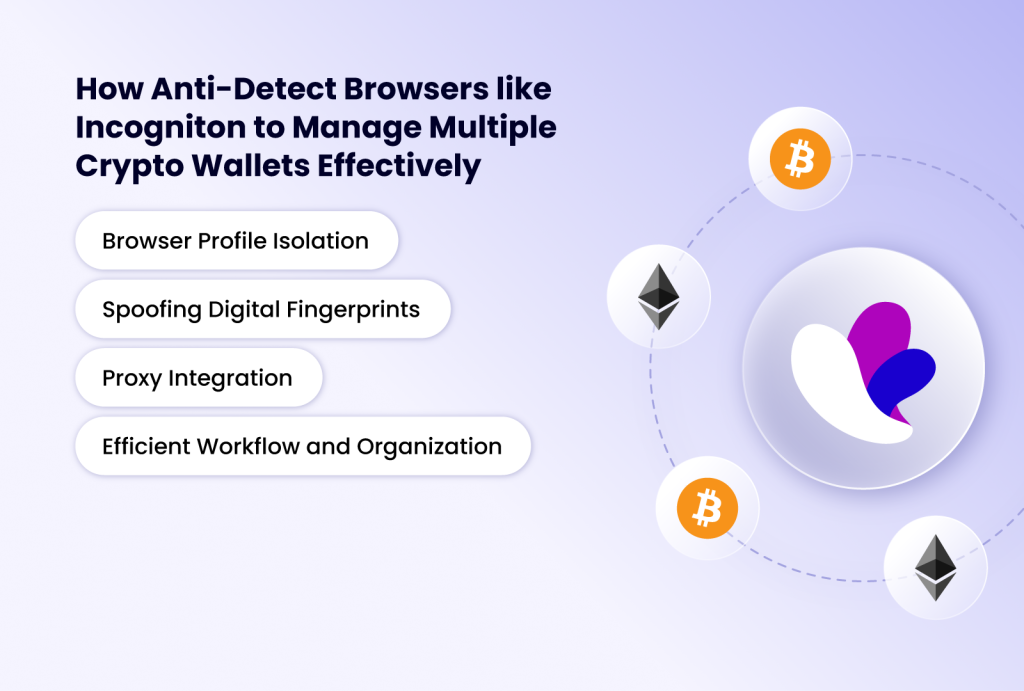
How Anti-Detect Browsers like Incogniton to Manage Multiple Crypto Wallets Effectively
To effectively manage multiple crypto wallets while maintaining security and privacy, a specialised tool is often required. This is where anti-detect browsers come into play. Unlike conventional browsers that leave a unique digital fingerprint, anti-detect browsers are designed to mask or spoof this fingerprint, creating isolated browsing environments for each profile.
As we've explored in previous articles on managing social media accounts and even Gmail, Incogniton stands out as a leading anti-detect browser for multi-account management. Its robust features make it an ideal solution for crypto enthusiasts looking to manage multiple wallets safely from one device.
Incogniton offers a suite of features that directly address the challenges of managing multiple crypto wallets, with the following features:
Browser Profile Isolation
Each browser profile created within Incogniton acts as a distinct, isolated browsing environment. This means that each profile has its own unique browser fingerprint, cookies, cache, and browsing history. When you connect a crypto wallet extension (like MetaMask) to a specific profile, its activity and data are confined to that profile, preventing any cross-contamination or linking with other profiles. This is crucial for maintaining the separation of your different wallets.
Spoofing Digital Fingerprints
Websites and dApps often use browser fingerprinting to identify users. Incogniton effectively spoofs these fingerprints, making each profile appear as if it's coming from a unique device. This prevents platforms from linking your multiple wallet activities together, which is vital for privacy and for avoiding potential flags or bans on platforms that have strict multi-accounting policies.
Proxy Integration
For an added layer of anonymity and geographic control, Incogniton supports proxy integration via both free proxies and a proxy shop to purchase third-party proxies. By assigning a unique proxy to each browser profile, you can further mask your real IP address and simulate different locations for each wallet, enhancing privacy and bypassing geo-restrictions if necessary.
Efficient Workflow and Organization
Incogniton provides a centralized dashboard to manage all your browser profiles. You can easily switch between profiles, launch them simultaneously, and keep your various crypto wallets and their associated activities organized. This dramatically reduces the inefficiency and potential for errors associated with manual switching.
Practical Steps to Manage Multiple Crypto Wallets with Incogniton
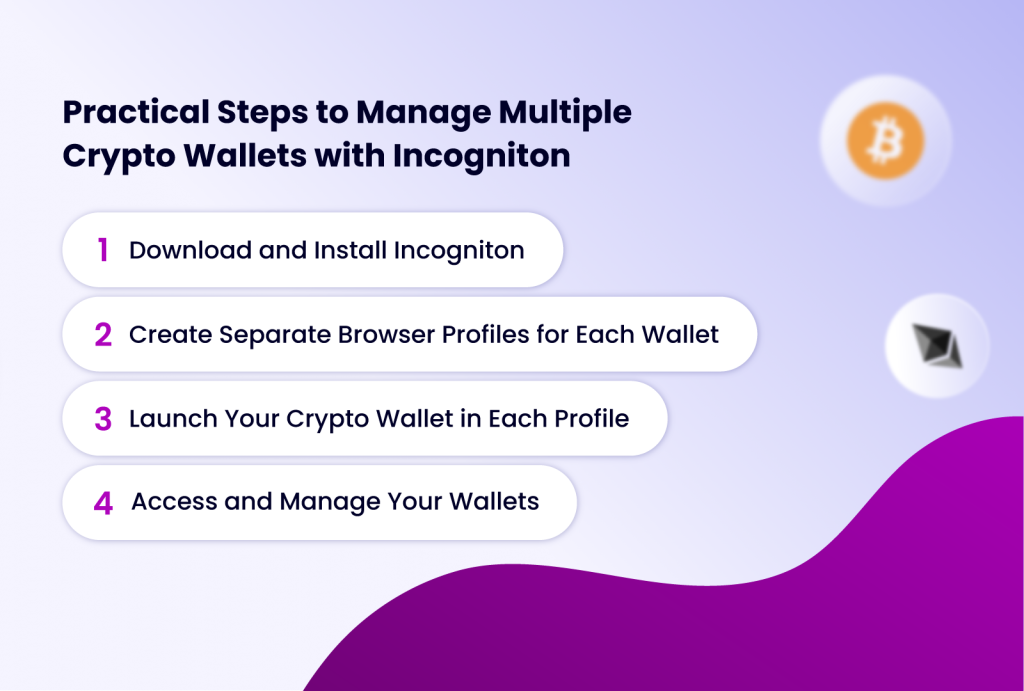
Here’s a step-by-step guide on how to leverage Incogniton for safe and efficient multi-wallet management:
Step 1: Download and Install Incogniton
- Visit the Incogniton website and download the application for your operating system (Windows)
- Install Incogniton and create an account. You can start with the free tier to explore its capabilities.
- Log in to your Incogniton dashboard.
Step 2: Create Separate Browser Profiles for Each Wallet
- Within Incogniton, navigate to the "Profile Management" section.
- Click on "New Profile."
- Name your profile descriptively. For example: "DeFi Wallet," "Airdrop Wallet 1," "NFT Collection Wallet." This helps in easy identification.
- Configure the profile:** Incogniton automatically assigns unique browser fingerprints. You can also configure browser type, geolocation, and other advanced settings.
- Add a proxy (Optional but Recommended): For enhanced privacy and to prevent IP linking, consider adding a unique proxy to each profile. Incogniton integrates with various proxy services.
- Save the profile.
- Repeat this step for every crypto wallet you wish to manage. Each profile will represent a distinct digital identity for one of your wallets.
Step 3: Launch Your Crypto Wallet in Each Profile
- Launch the first browser profile you created. This will open a new Incogniton browser window with a unique fingerprint.
- Navigate to your crypto wallet website (e.g., MetaMask).
- Repeat this process for each browser profile.** Install the relevant wallet extension and log in with the correct credentials for that specific wallet.
Step 4: Access and Manage Your Wallets
- Once set up, you can have multiple Incogniton browser windows open simultaneously, each representing a different wallet profile.
- You can easily switch between these profiles from your Incogniton dashboard.
- When interacting with dApps or performing transactions, ensure you are using the correct Incogniton profile and its associated wallet to avoid errors and maintain separation.
Advanced Tips for Secure Multi-Wallet Management
Getting the browser setup right is the operational layer. These practices cover the security fundamentals that sit underneath it.
Seed Phrase and Private Key Security
This is paramount. Never store your seed phrases or private keys digitally in plain text. Use a secure offline method. Write your seed phrases down on paper and store copies in separate physical locations.
If you are storing significant amounts of crypto, consider using hardware wallets.
Strong Passwords and 2FA Everywhere
Use a password manager to generate and store unique passwords for your Incogniton account, associated email addresses, and any exchange accounts. Enable two-factor authentication on all of them. This is basic but non-negotiable. A compromised email account can cascade into wallet access faster than most people's expectations (2FA) wherever possible.
Be Wary of Phishing and Scams:
The crypto space is rife with scams. Never click on suspicious links, download unknown files, or share your private keys/seed phrases. Our previous post on safe online shopping practices offers valuable insights into identifying and avoiding scams that are transferable to the crypto world.
Keep Software Updated
Browser extensions, the Incogniton application itself, your operating system, and your antivirus software should all be running current versions. Most exploits target known vulnerabilities in outdated software. Updates are the lowest-effort security measure available.
Conclusion
Managing multiple crypto wallets from a single device is not about finding a single magic bullet, but about constructing a layered defence-in-depth strategy. By marrying the ironclad principles of cold storage and seed phrase security with the operational intelligence of modern tools, you can achieve both security and efficiency.
The anti-detect browser emerges as a critical tool in this arsenal, moving beyond its traditional marketing use cases to become essential crypto infrastructure. By leveraging a solution like Incogniton to create isolated, fingerprinted environments for each segment of your crypto activity, you dramatically reduce the attack surface presented by browser tracking and cross-account linking.
When this is combined with a disciplined and good account and wallet management, you transform your single device from a point of vulnerability into a secure command centre for your entire digital asset empire.
In a space where mistakes are often irreversible, the effort you put into your setup at the beginning pays dividends every time you don't lose something.