Imagine standing in a crowded room, shouting into a megaphone, but the megaphone is off, and no one even knows you're speaking. That’s what it's like posting content while under a shadowban on Instagram. Your posts, although live, get limited visibility, making it unlikely that your target audience will ever discover them. Worse, you don't even get a notice.
Whether you're promoting a brand, pursuing influencer opportunities, or simply trying to go viral, understanding how shadowbans work and how to fix them puts you in control of ensuring your content always reaches your audience.
In the following sections, I'll demystify Instagram shadowbans—what they are, why they happen, and most importantly, how to overcome them.
What is an Instagram Shadowban?
An Instagram Shadowban, unlike an outright Instagram IP ban, is a form of restriction that subtly limits your content's visibility without any explicit notification from the platform. This stealthy restriction can drastically reduce your post engagement.
Put simply, the shadowbanned meaning is that your account or posts remain active, but Instagram may show them to fewer people. The shadow banning meaning is the same: your content can be quietly deprioritized without a formal account ban. If you are asking, “what is shadowbanned?”, “what is shadow banned?”, or “what does shadow ban mean?”, it generally describes this unannounced loss of visibility.
Instagram does not use “shadowban” as its official term. Instead, it uses recommendation eligibility to describe whether content from public accounts may be recommended to people who do not already follow them in places such as Explore, Reels, search, suggested accounts, and feed recommendations.
If an account is not eligible for recommendations, its content can still be shown to existing followers. Reduced reach alone does not confirm a recommendation restriction, because reach can also change for normal algorithmic, audience, or content-performance reasons.
Instagram’s systems may remove, restrict, or make content ineligible for recommendation when it violates its Community Guidelines or Recommendations Guidelines. The exact outcome depends on the content and account status.
How Does a Shadowban Affect Your Account?
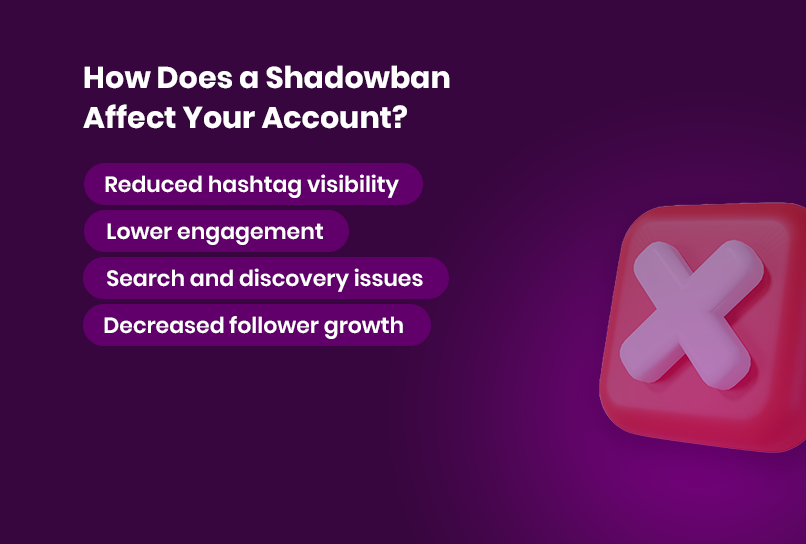
When shadowbanned, your Instagram account might face the following issues:
- Reduced hashtag visibility Posts won’t appear under certain hashtags, even if they’re included in your caption.
- Lower engagement Likes, comments, and shares from non-followers may drop significantly.
- Search and discovery issues Your account might not show up in search results for new users.
- Decreased follower growth As fewer people discover your content, attracting new followers becomes harder.
A recommendation restriction can be frustrating for creators and businesses who rely on Instagram as a primary platform for engagement. Knowing the signs and checking your account status is the first step to addressing the issue.
What Causes a Shadowban?
Understanding what can affect recommendation eligibility is crucial to preventing reduced reach. Instagram’s systems are designed to maintain a safe and engaging community by addressing rule-breaking, spammy, or inauthentic behavior. Here are common issues to avoid:
1. Violating Instagram’s Community Guidelines
Instagram enforces Community Guidelines to help maintain a positive experience for users. Content that violates those guidelines may be removed, restricted, or become ineligible for recommendation to non-followers. Review Instagram’s rules regularly to avoid unintentional violations.
2. Using Spammy or Irrelevant Hashtags
Instagram does not publish an official list of banned or restricted hashtags. Instead of relying on unverified lists, use hashtags that accurately describe your content and avoid repetitive, misleading, or spam-like tagging.
Tip:Review your hashtags for relevance and remove any that could make your content appear misleading or low quality.
3. Repetitive or Spammy Behavior
Actions such as mass-following or unfollowing users, excessive liking or commenting, or repeatedly posting the same content can be flagged as spam. These behaviors suggest automation or bot usage, which Instagram actively discourages.
4. Excessive Use of Automation Tools
While automation tools can simplify content scheduling and engagement, overusing them can backfire. Instagram’s algorithms are designed to detect and penalize bot-like activity. Using third-party tools to mass-like, comment, or follow/unfollow users increases the likelihood of triggering a shadowban.
5. High Volume of Reports
Reports may cause Instagram to review content or an account, but a report does not automatically reduce visibility. Check Account Status for any content or profile issues that Instagram identifies.
6. Posting Too Frequently or Too Much Promotional Content
Flooding your followers’ feeds with content, especially if it’s overly promotional, can make your account appear spammy. Balance promotional posts with engaging, value-driven content to maintain audience interest.
Understanding these triggers can help you adjust your content strategy and behaviors to stay on Instagram’s good side and maintain visibility.
How to Find Out if You’ve Been Shadowbanned on Instagram
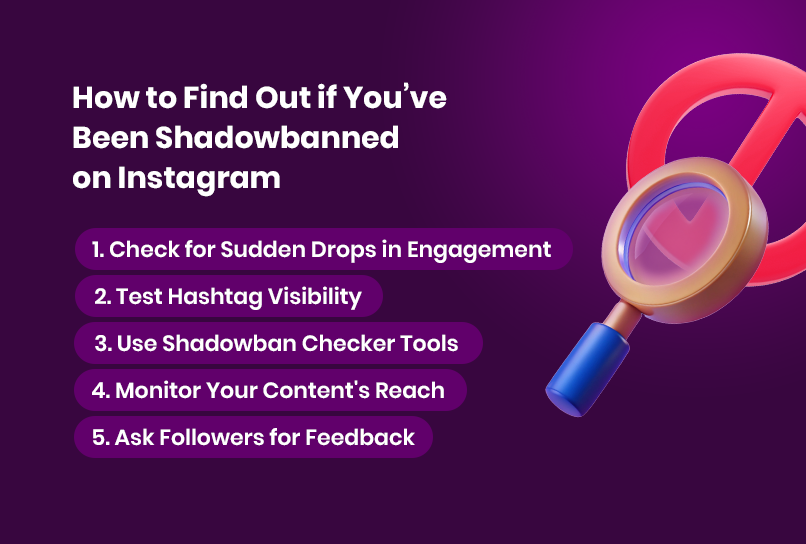
Identifying a shadowban can be tricky since Instagram doesn’t notify users when it happens. If you are wondering, “am I shadowbanned on Instagram?”, there are specific signs and methods to help confirm whether your account is affected:
1. Check for Sudden Drops in Engagement
A significant decrease in likes, comments, shares, or views—especially from non-followers—can indicate a shadowban. Compare your recent performance metrics to historical data. If the drop is drastic and unexplained, a shadowban may be the cause.
2. Run an Instagram Shadowban Test
Hashtag suppression is one of the most common indicators of a shadowban. To perform a simple shadowban test, try this:
- Post content with a unique, less competitive hashtag.
- Use an incognito browser or ask a friend who doesn’t follow you to search for the hashtag.
- If your post does not appear, treat that result as one signal only. Search results can vary, so check Account Status and your Insights before drawing a conclusion.
3. Use Shadowban Checker Tools
Third-party checker tools are not official Instagram tools and cannot confirm that an account is restricted. Use Instagram’s Account Status and Insights as your primary sources for checking recommendation eligibility and reach.
4. Monitor Your Content's Reach
Instagram’s Insights feature can help you track reach and engagement. If your reach drops significantly for non-followers, it’s worth investigating further.
5. Ask Followers for Feedback
Reach out to trusted followers or friends to check whether they can see your recent posts or engagement in hashtags. They might notice suppression that you can’t see from your account.
By regularly monitoring these aspects, you can catch a shadowban early and take action before it significantly impacts your growth or engagement.
How to Get Unshadowbanned on Instagram
If your reach has dropped, start by checking whether Instagram has identified an issue with your account or content. If you are looking for how to get unshadowbanned on Instagram, Account Status is the most reliable place to review recommendation eligibility, especially for professional accounts.
1. Review and Follow Instagram’s Guidelines
Start by revisiting Instagram’s Community Guidelines and Terms of Service. Remove any content that might violate these rules. Avoid posting similar material in the future to demonstrate compliance with platform policies.
2. Review Hashtag Relevance
Audit your recent posts for hashtags that are irrelevant, repetitive, or potentially misleading. Replace them with accurate, community-friendly terms that describe the content. To prevent future issues, curate a list of high-quality hashtags for your niche.
3. Limit Automation and Spam-Like Behavior
If you’re using third-party automation tools, stop immediately. Reduce the frequency of likes, comments, follows, and unfollows to avoid triggering Instagram’s spam detection algorithms. Focus on organic interactions that add value to your community.
4. Check Account Status and Request a Review
In Account Status, review content or profile details that Instagram says may not be eligible for recommendation. Edit or remove the affected content where appropriate, or request a review if you believe Instagram made a mistake.
5. Appeal to Instagram Support
If you believe the shadowban is unjustified, reach out to Instagram’s support team. Use the “Report a Problem” feature within the app, provide evidence of your account’s compliance, and politely request a review. While responses may take time, this step shows your commitment to following platform rules.
6. Switch to a Business or Creator Account
Switching to a Business or Creator account can provide access to detailed insights and recommendation-eligibility information in Account Status. Switching account type does not guarantee more reach, but it can give you clearer information about your account’s performance and eligibility.
By taking these steps, you can increase your chances of resolving a shadowban and regaining your account’s full functionality.
How to Protect Your Instagram Account and Stay Unshadowbanned
Prevention is always better than cure. To avoid future shadowbans, adopt these best practices to maintain a healthy and visible Instagram presence:
1. Focus on Quality Over Quantity
Rather than flooding your feed with posts, prioritize high-quality, engaging content that resonates with your audience. A consistent posting schedule is essential but never compromise on value for the sake of frequency.
2. Engage Authentically
Interact with your followers and other accounts genuinely. Respond to comments, participate in conversations, and avoid generic or repetitive comments like “Great post!” that might appear automated.
3. Be Mindful of Hashtag Usage
- Use relevant hashtags sparingly and avoid repeating the same broad or unrelated set on every post.
- Check whether your hashtags remain relevant to the post and avoid spam-like or misleading tagging practices.
4. Avoid Buying Followers or Engagement
Purchasing followers, likes, or comments might seem tempting, but these practices can violate platform rules and harm your account’s credibility and visibility. Focus on building engagement through genuine interactions.
5. Regularly Monitor Account Health
Keep track of your account’s engagement metrics and content performance using Instagram Insights. Sudden drops can signal potential issues, allowing you to take corrective action promptly.
6. Stay Updated on Instagram’s Policies
Instagram’s algorithms and policies evolve regularly. Stay informed about changes by following Instagram’s official blog or community announcements. This knowledge will help you adapt your strategies and avoid unintentional violations.
By adhering to these practices, you can reduce the risk of future Instagram shadowbans and ensure your content continues to reach its intended audience.
7. Use an Antidetect browser to manage multiple accounts
If you manage more than two accounts, using a trusted Antidetect protects your accounts from being flagged. Instagram uses different algorithms to detect unusual activity, like logging into several accounts from the same device or IP address, which could trigger a shadowban or even account suspension.
Since Instagram links your accounts under the hood, a violation on one account could flag all your accounts. Even worse, your other accounts on Meta platforms like Facebook and WhatsApp could also face bans by association, given Mark Zuckerberg's own statement here.
An Antidetect browser like Incogniton creates unique, fully-isolated browsing profiles for each account, ensuring they are fully isolated and appear to be managed from separate devices and locations.
Each Instagram account above operates in its own isolated browser profile, ensuring activities, cookies, and IP addresses stay separate to prevent your accounts from being interlinked or flagged together. This approach is effective in preventing shadowbans across multiple social media platforms, including TikTok shadowbans and Twitter deboosting.
Conclusion
A shadowban on Instagram is a frustrating experience, especially if you rely on the platform to grow your brand or business. However, by understanding the causes, identifying the signs, and taking the proper steps, you can regain your account’s visibility and avoid future issues.
To recap, these are steps you should take to prevent your Instagram account from getting shadowbanned:
- Familiarize yourself with Instagram’s Community Guidelines.
- Avoid banned hashtags and spammy behaviors.
- Use tools and manual checks to monitor your account’s visibility.
- Engage authentically with your audience and prioritize quality over quantity.
- Use an antidetect browser if you manage multiple accounts.
Staying informed and proactive is the key to protecting your Instagram presence. While a shadowban might temporarily limit your reach, a strategic and thoughtful approach will help you bounce back stronger and continue growing your account.