
Instagram is ranked third globally among social media platforms, behind only Facebook and YouTube. For many users, it is more than a social app; it is a tool for communication, research, marketing, education, and business operations. Despite its widespread use, access to Instagram is frequently restricted in schools, workplaces, public networks, and even entire countries.
These restrictions can appear as network firewalls, geo-blocking, bandwidth throttling, or device-based security controls. As a result, you may be unable to log in, access content, or manage accounts, even though you haven’t violated any rule.
This piece explains how Incogniton enables Instagram unblocked browsing by addressing both network-based and device-level restrictions. It outlines why Instagram is blocked, how Incogniton addresses the problem, and how you can regain access while maintaining privacy, security, and account stability.
Why is Instagram Blocked in Some Situations
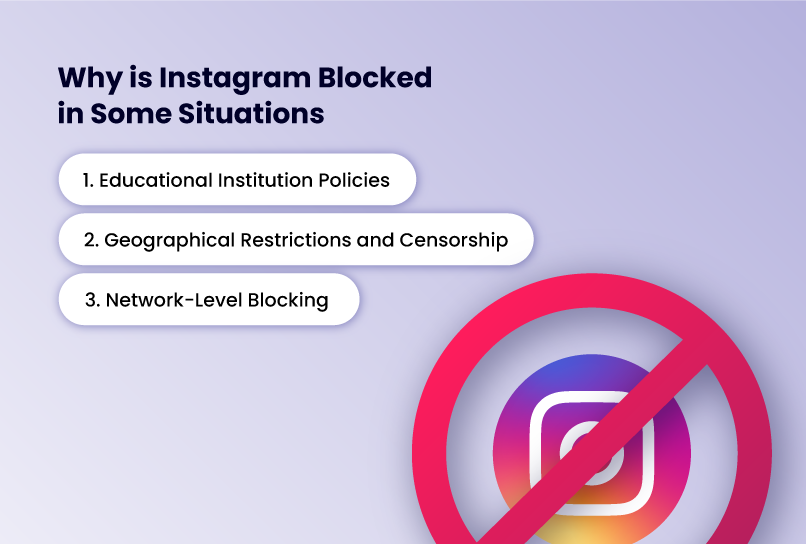
Instagram blocking occurs across various environments and for numerous reasons. Each stems from different organisational policies and technical restrictions.
1. Educational Institution Policies
Schools, colleges, and universities frequently block Instagram to minimise distractions in learning environments and protect students from inappropriate content. Educational networks implement content filtering systems that prevent students from accessing social media during class hours or throughout the entire school day.
While these policies aim to create focused learning environments, they sometimes interfere with legitimate educational uses of Instagram, such as following educational accounts, participating in school-sponsored social media activities, or conducting research projects that involve social media analysis.
2. Geographical Restrictions and Censorship
Some governments impose geo-blocks on Instagram for political or regulatory reasons. For instance, China maintains a long-standing ban, Iran applies recurring restrictions, and Russia has enforced a nationwide ban since 2022.
Travellers visiting these countries themselves suddenly unable to access their Instagram accounts, disrupting both personal connections and business operations.
3. Network-Level Blocking
Public Wi-Fi networks in airports, cafes, libraries, and hotels sometimes restrict access to social media platforms to manage bandwidth or comply with venue policies. Internet service providers may also throttle or block Instagram during peak usage times to manage network congestion.
Why Incogniton is the Best Solution for Instagram Unblocking
Incogniton stands out among Instagram unblocking solutions through its unique combination of advanced privacy technology and user-friendly design. The virtual browser provides multi-account management capabilities that specifically address the needs of Instagram users.
Below are some of the key features that support this:
Built-In Proxy Support
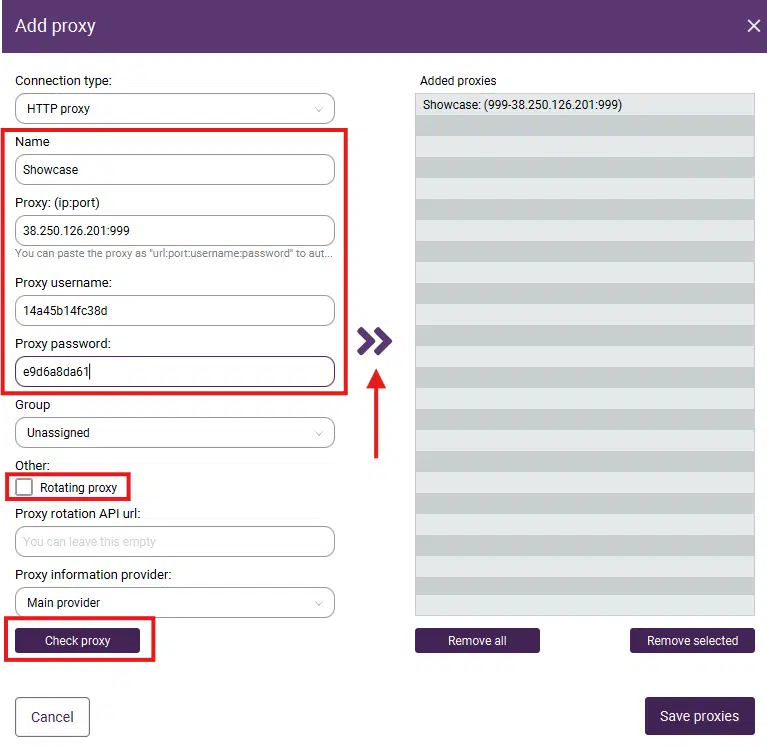
Incogniton seamlessly integrates with various proxy services, allowing users to route Instagram traffic through different IP addresses and geographic locations, which is essential for handling geo-restrictions and IP-based blocking. You can assign a dedicated proxy to each browser profile, making it possible to manage accounts that appear to operate from different regions.
The Incogniton website also offers a proxy store with vetted, high-quality proxy deals from trusted providers. While the app includes basic built-in proxies, these are intended for light use and are not recommended for serious multi-account management. Dedicated residential or mobile proxies provide better stability in this regard.
Advanced Browser Fingerprint Management
Unlike basic VPN services or proxy tools, Incogniton utilises sophisticated browser fingerprinting technology that makes each browsing session appear as a unique user. This approach proves particularly effective for Instagram unblocking because it bypasses not only network-level restrictions but also platform-level detection systems.
Instagram and network administrators cannot identify that you're using circumvention tools because Incogniton creates genuine browser profiles that appear as legitimate traffic. This technology masks device characteristics, browser configurations, and user behaviour patterns that typically trigger blocking mechanisms or account suspensions.
Multi-Account Management Excellence
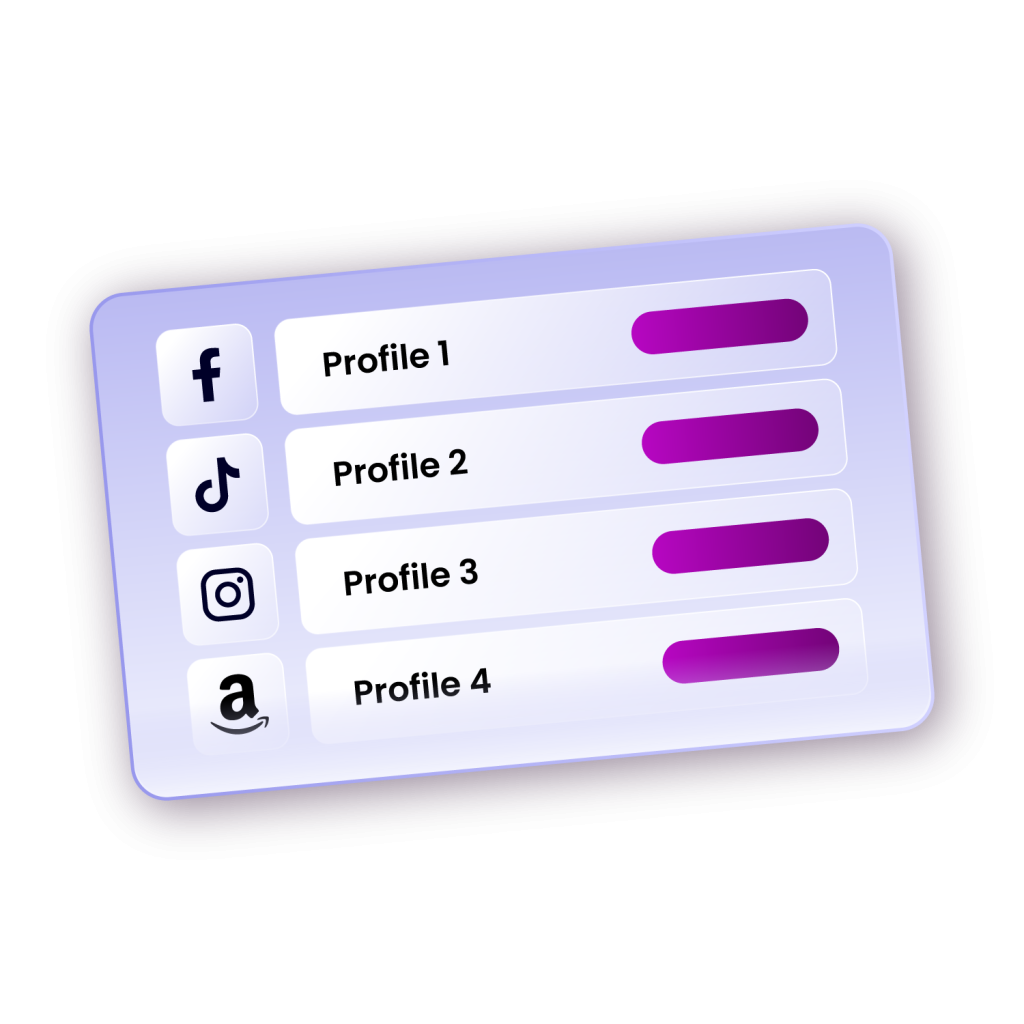
Social media managers, influencers, and businesses often need to manage multiple Instagram accounts simultaneously. Traditional browsers flag this activity as suspicious, potentially leading to account restrictions or shadowbanning. Incogniton solves this challenge by allowing users to create separate, isolated browser profiles for each Instagram account.
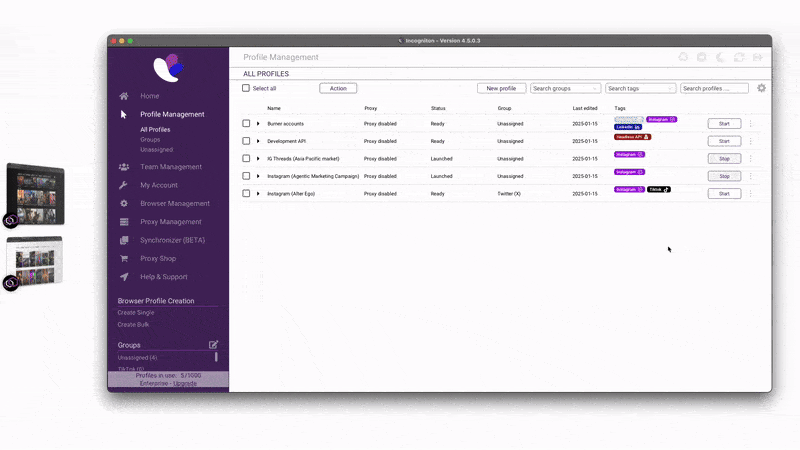
Each profile maintains its own cookies, cache, login credentials, and digital fingerprint, ensuring that Instagram treats each account as coming from a completely different user and device. As a result, you get to switch between personal and business accounts, client accounts, or multiple brand profiles without triggering Instagram's automated security systems.
Enhanced Privacy and Security
Beyond simple unblocking, Incogniton is designed with a strong focus on privacy and data protection. It uses isolated browser profiles, fingerprint separation, and secure local or encrypted cloud storage to reduce cross-tracking between sessions and accounts.
As a company based in the Netherlands, Incogniton operates under the EU’s GDPR framework, which governs how user data is collected, processed, and secured. This regulatory oversight reinforces responsible data handling and transparency, while the browser’s technical architecture helps limit unnecessary data exposure during Instagram use.
Together, these measures support a privacy-first approach that prioritises data minimisation and controlled access—without claiming absolute protection from all forms of tracking or surveillance.
User-Friendly Interface
Despite its sophisticated technology, Incogniton maintains an intuitive interface that makes Instagram unblocking accessible to users with varying technical expertise.
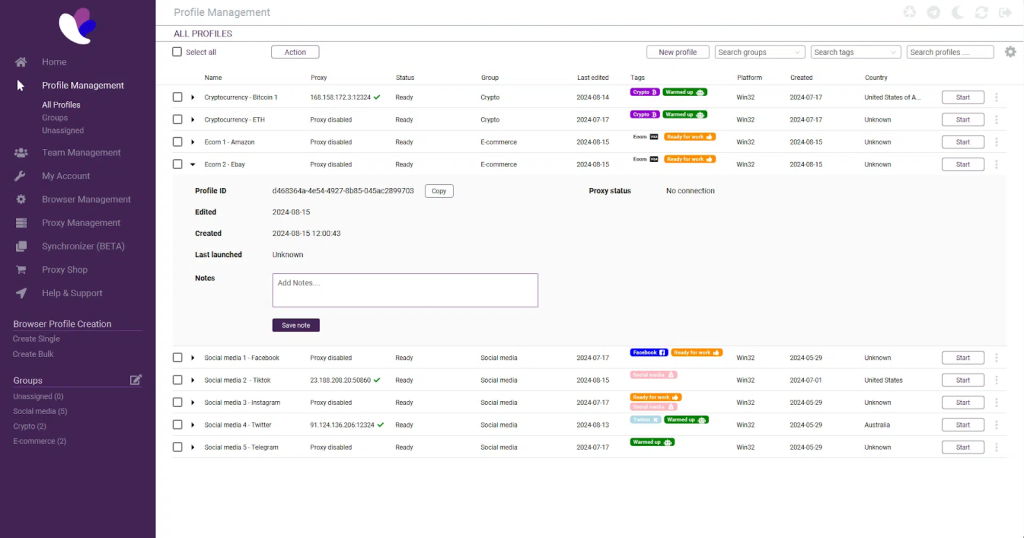
The browser provides straightforward profile creation, simple proxy configuration, and easy account switching that doesn't require advanced technical knowledge or complicated setup procedures.
How to Use Incogniton to Unblock Instagram (Step-by-Step Guide)
Getting started with Incogniton for Instagram unblocking follows a straightforward process that takes just minutes to complete, even for first-time users.
Step 1: Download and Install Incogniton
- Visit the official Incogniton website and download the browser installation file
- You will be asked to create an account if you don't have one already
- Run the installer and follow the on-screen prompts to complete the setup process.
- Once installed, launch Incogniton to begin the initial configuration.
Step 2: Create Your First Browser Profile
- After launching Incogniton, log in to your Incogniton account and click the Create Profile button to establish your first browsing environment.
- Assign a descriptive name to this profile, such as "Instagram Personal" or "Work Instagram Account."
- Enable Incogniton’s free built-in unblocked proxy by toggling it on and selecting a country of your choice. This proxy can be used immediately for basic unblocking and testing. (See the video guide)
- Configure the browser fingerprint settings by selecting your preferred operating system, browser version, and device type that Incogniton will emulate.
- For most users, the default randomised settings provide sufficient anonymity, while advanced users can customise specific fingerprint parameters to match particular requirements.
Step 3: Attach third-party Proxy (Optional)
Use a third-party proxy if you need to connect to a dedicated proxy service instead of the built-in shared option.
- Navigate to the Proxy configuration section within your profile settings.
- Enter your third-party proxy details. Incogniton supports all major proxy providers, including residential, mobile, and datacenter proxies.
- This option is recommended for users who require dedicated IPs, specific locations, or higher stability for long-term workflows.
Step 4: Launch Your Profile and Access Instagram
- Click the "Start" or "Launch" button next to your configured profile to open a new browser window with your customised settings activated.
- Navigate to Instagram.com or your preferred Instagram access point.
Step 5: Create Additional Profiles for Multiple Accounts
- If you manage multiple Instagram accounts, repeat the profile creation process for each account.
Tips for Using Incogniton to Effectively Unblock Instagram
Maximising your Instagram unblocking success with Incogniton requires following best practices that enhance security, maintain account safety, and ensure consistent access.
Match Your Proxy Location to Your Account Profile
When managing Instagram accounts associated with specific geographical regions, ensure your proxy location aligns with the account's target audience or stated location. For example, if your Instagram account claims to be based in New York, use a proxy server located in New York or the broader United States region. This consistency prevents Instagram from flagging your account for suspicious location changes that might indicate compromised credentials or automated bot activity.
Maintain Consistent Browser Profiles
Avoid frequently changing browser fingerprint settings within the same profile, as dramatic shifts in device characteristics can trigger Instagram's security algorithms. Once you've established a working browser profile for a particular Instagram account, maintain those settings consistently. This consistency builds a legitimate-looking usage pattern that Instagram recognizes as normal user behavior rather than suspicious activity requiring additional verification.
Combine with Good Account Security Practices
Even with Incogniton's advanced unblocking capabilities, maintain proper Instagram account security by using strong, unique passwords, enabling two-factor authentication, and avoiding aggressive automation tools or third-party services that violate Instagram's terms of service. Incogniton helps you access Instagram unblocked, but responsible account management ensures your accounts remain in good standing long-term.
Conclusion
Instagram blocking doesn't have to limit your social media engagement, business operations, or personal connections. Incogniton browser provides a comprehensive, user-friendly solution for accessing Instagram unblocked regardless of network restrictions, workplace policies, or geographical limitations.
Whether you're a social media professional managing multiple client accounts, a student seeking connectivity during educational hours, or an international user navigating geo-restrictions, Incogniton delivers the tools necessary for unrestricted Instagram browsing.
By following the step-by-step setup guide and implementing the best practices outlined above, you can establish reliable, secure Instagram access that meets your personal or professional needs without compromising account safety or triggering platform restrictions.