
If you’ve spent any time online, you’ve likely run into a CAPTCHA: special challenges designed to distinguish humans from robots, used to protect websites from bots. As automation and web scraping evolve, there’s a growing need for tools capable of passing these tests.
In practice, there are browser extensions that integrate into Chrome and connect to external CAPTCHA-solving services. Let’s take a closer look at this niche and figure out which extensions are the most effective and convenient for different use cases.
We compare them by supported CAPTCHA types, solving approach (automated AI or human), price, and solving time, as well as security of use.
How CAPTCHA-Solving Extensions Work
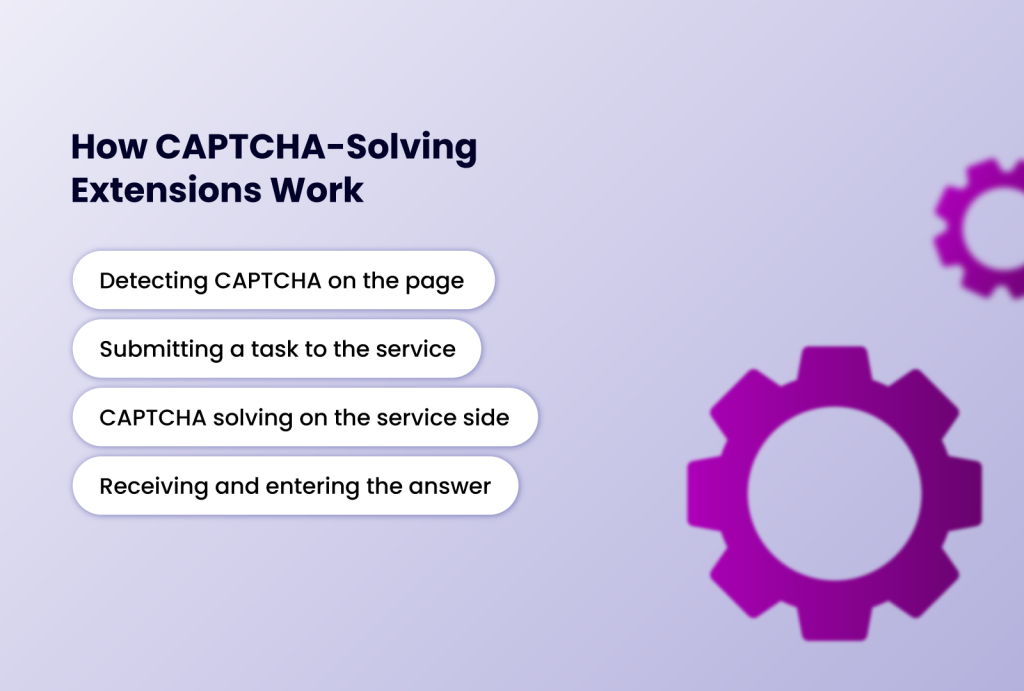
In general, the workflow of most extensions consists of several stages:
Detecting CAPTCHA on the page
The extension uses a dedicated script to detect the presence of CAPTCHA widgets. For example, <div class="g-recaptcha"> for reCAPTCHA v2 or an iframe from hcaptcha.com.
It extracts the site key (sitekey) and other task parameters (page URL, image links, or audio).
Submitting a task to the service
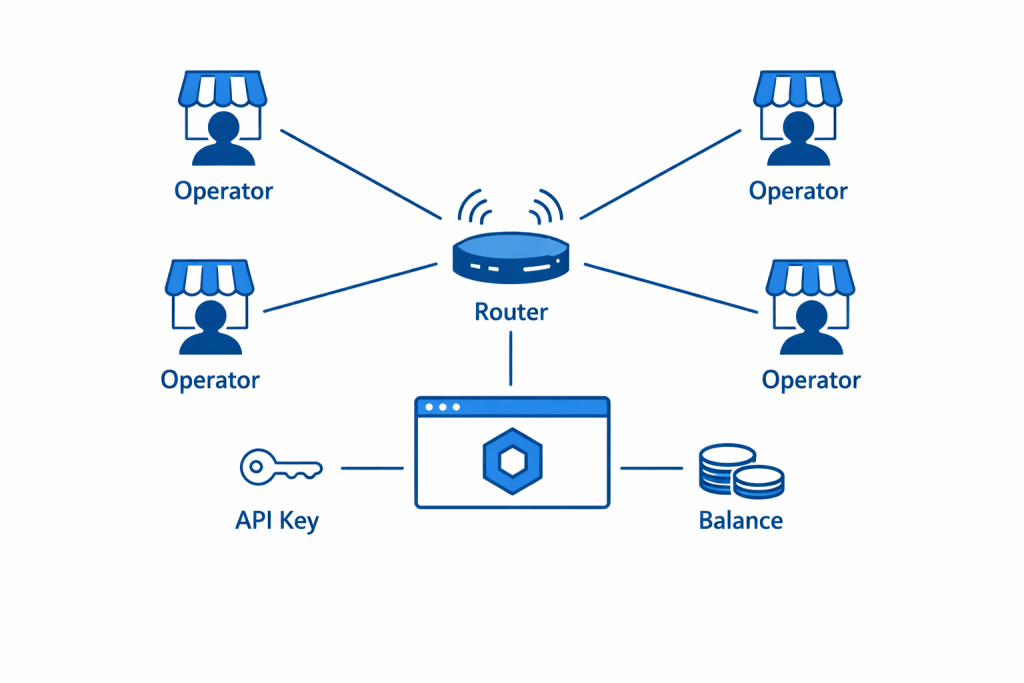
The extension sends the data via API to a solver service (2Captcha, SolveCaptcha, etc.), using your API key. Different CAPTCHA types require different data: for reCAPTCHA/hCaptcha it’s the sitekey and URL; for a standard image CAPTCHA, it’s the file or image URL; for audio it’s the audio file.
CAPTCHA solving on the service side
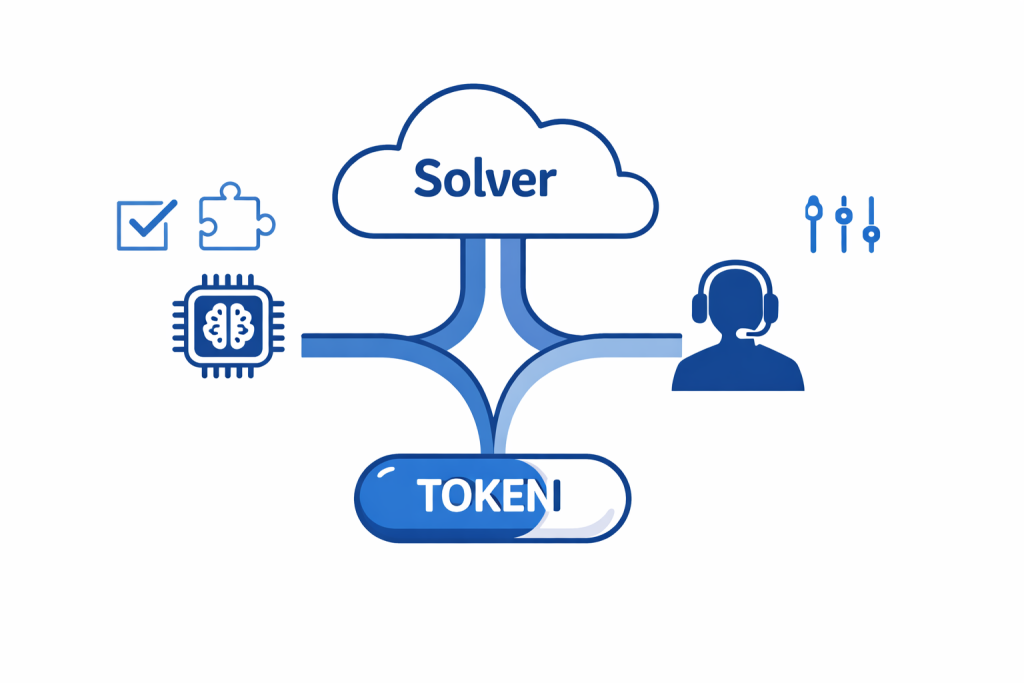
The service solves the received CAPTCHA automatically using software methods, or assigns it to a real person, or combines both approaches (hybrid).
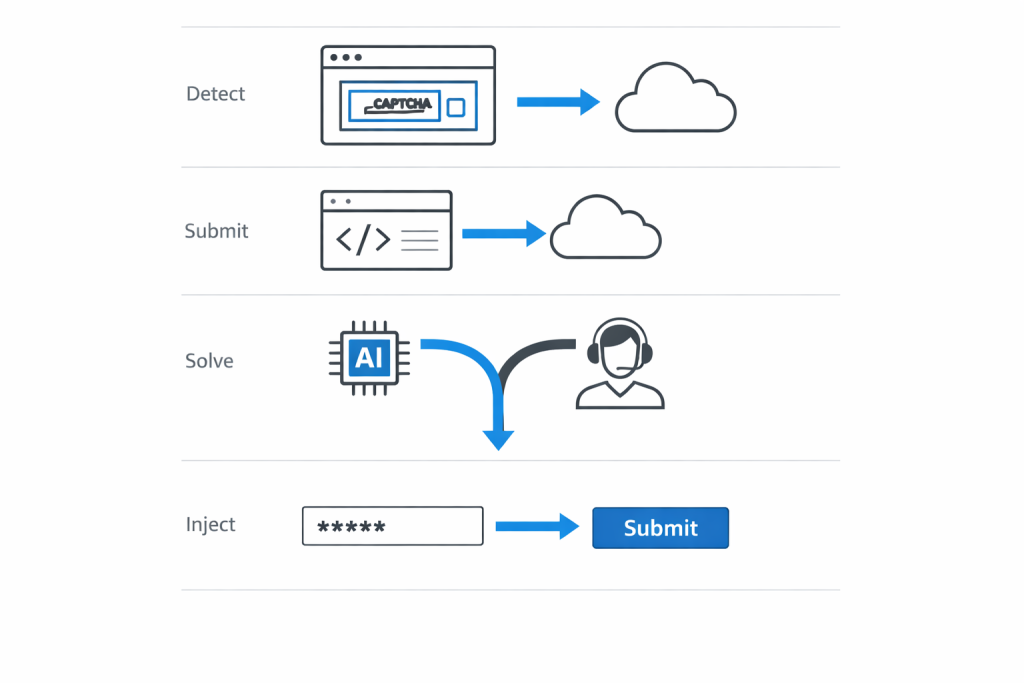
For example, SolveCaptcha uses neural networks for simple cases and human workers for difficult ones. 2Captcha, on the contrary, has a workforce of thousands of operators worldwide who, for a small fee, manually enter the CAPTCHA they receive.
Receiving and entering the answer
When the service returns the solution (text or token), the extension injects it into the web page. In the case of reCAPTCHA, this means placing the token into a hidden field and simulating a button click. Everything runs in the background, so the website “thinks” the CAPTCHA was completed by the user manually.
The user typically doesn’t notice the bypass process, except perhaps a briefly flashing status indicator.
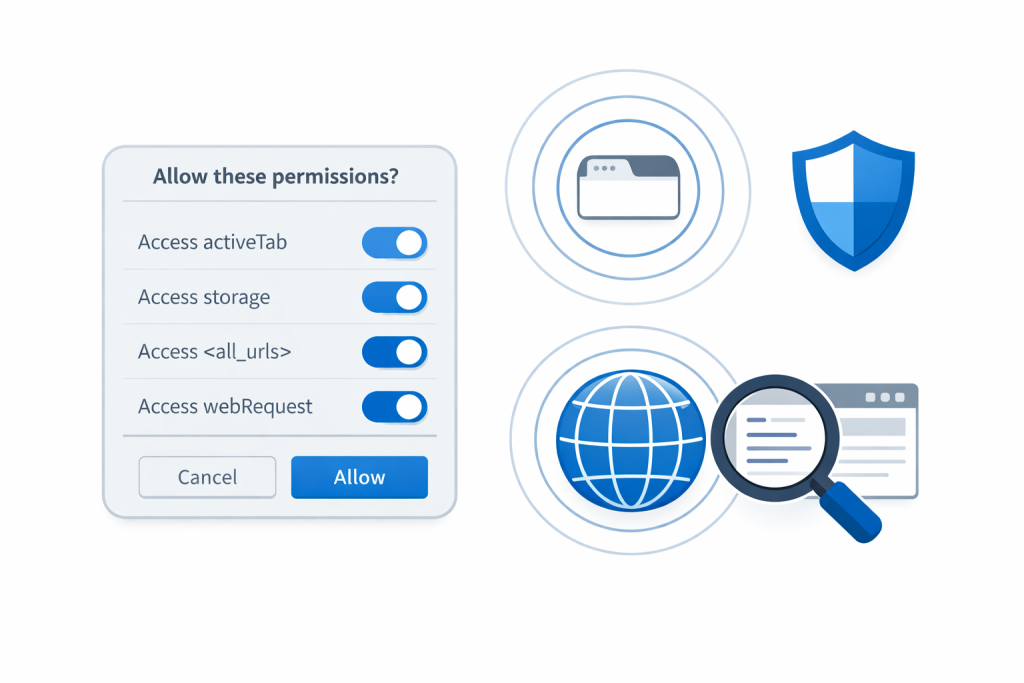
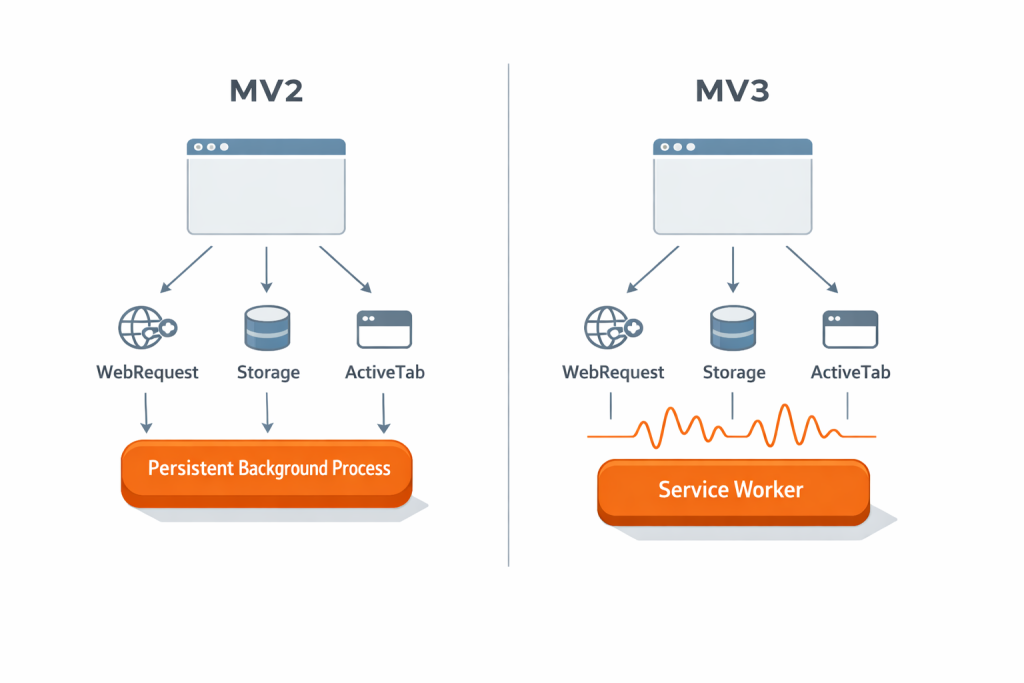
Almost all extensions operate within Chrome’s browser constraints (permissions like activeTab, storage, sometimes <all_urls>, and the webRequest API). Manifest V3 requires using service workers instead of a persistent background process, but modern solutions (SolveCaptcha, 2Captcha, etc.) have already adapted to these requirements.
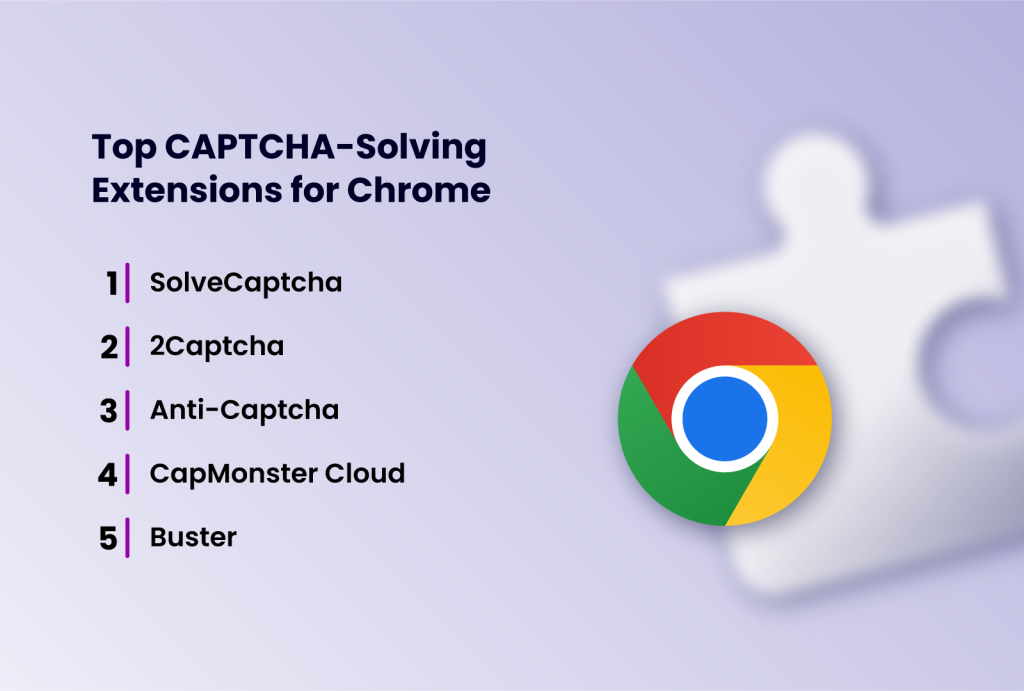
Now, let’s look into the top CAPTCHA-solving extensions for Chrome.
1. SolveCaptcha
SolveCaptcha is an extension for automatic CAPTCHA solving.
Supported CAPTCHA types: reCAPTCHA (v2/v3/Enterprise, including invisible), FunCaptcha (Arkose Labs), GeeTest, image CAPTCHAs (text/math/sliders), Cloudflare Turnstile. In other words, virtually all common types.
Integration: integrates with its own SolveCaptcha service - you need an account and an API key. In the extension UI, you must enter the key from your dashboard.
Operating model: hybrid. SolveCaptcha combines machine recognition and human resources. Simple text tasks are solved automatically (AI/OCR), while complex ones are routed to operators.
Price/plans: pricing depends on task complexity. Example: standard image - ~$0.35 per 1000 (≈3–5 sec per solve); reCAPTCHA v2 - $0.55/1000; v3 - $0.8/1000; FunCaptcha - $2.99–50/1000 (multi-step puzzles). Cloudflare Turnstile - $0.8/1000 (≈14 sec). Cost is deducted from your balance as you use it.
Solving speed: high for simple CAPTCHAs (a few seconds); complex ones (FunCaptcha) can take up to 20–30 seconds.
Accuracy: very high (99.99% API uptime). Thanks to human operators, virtually any CAPTCHA can be solved, although real-world results depend on settings (sometimes errors occur with very complex CAPTCHAs).
API/key: registration and an API key are mandatory. Without a key, the extension does not work.
Compatibility/permissions: Chrome (MV3), also supports Chromium-based browsers. Requires permissions to read pages containing CAPTCHA.
Pros/Cons
Pros: universal CAPTCHA support; fully background operation; CI integration (instructions for Puppeteer/Selenium available); usable for both bots and humans (accessibility tool).
Cons: paid service; requires a key and a funded balance.
2. 2Captcha
2Captcha is a market veteran; official website: 2captcha.com.
Supported CAPTCHA types: practically all popular ones: reCAPTCHA v2 (standard, invisible, Enterprise), reCAPTCHA v3, GeeTest, FunCaptcha, KeyCaptcha, standard image CAPTCHAs (Grid, ClickCaptcha, RotateCaptcha, Canvas, etc.), Yandex CAPTCHAs, VK CAPTCHAs, and more. The list keeps expanding - 2Captcha has substantial operator resources.
Integration: works with its own 2Captcha service (API key required). In the extension settings, you enter your 2Captcha account key. When a page with CAPTCHA loads, the extension either submits it automatically (if auto-start is enabled) or shows a “Solve” button for manual start.
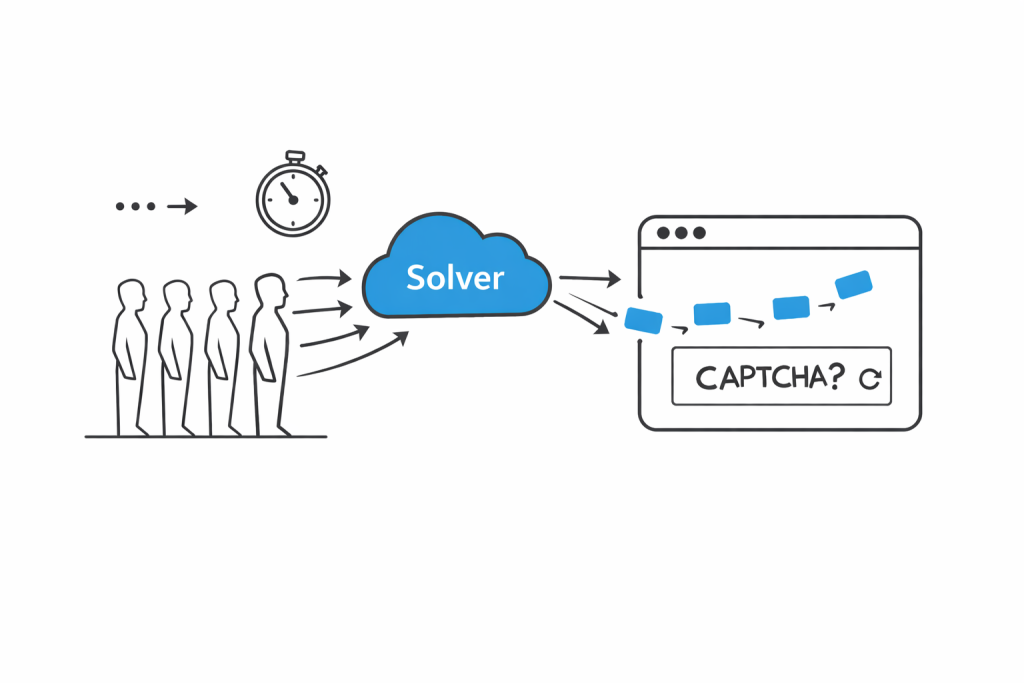
Operating model: human-based. 2Captcha has thousands of operators who solve CAPTCHAs manually. Speed varies: best case 1–3 seconds (the system sometimes caches answers), worst case up to 60 seconds (waiting for a human). FunCaptcha averages ~30 seconds.
Price/plans: 2Captcha is paid. Approximate pricing: reCAPTCHA v2 - $1–3 per 1000 (≈$0.001–0.003 each); standard image - $0.5 per 1000 (≈$0.0005 each). FunCaptcha is often noticeably more expensive (up to several dollars). Charges are deducted automatically per solve.
Solving speed: high. According to 2Captcha, reCAPTCHA can take from 1–3 seconds up to a minute. Typically 10–20 seconds, depending on service load.
Accuracy: very high, since almost all tasks are completed by humans. Missed solutions are rare; the main delay is waiting time.
API/key: A 2Captcha account key is required. Without the key, the extension does not work.
Compatibility/permissions: available for Chrome, Firefox, Opera, Edge.
Pros/Cons
Pros: huge coverage of CAPTCHA types; proven and relatively inexpensive service; simple workflow (auto or manual start).
Cons: waiting for a human solution can take up to a minute; sometimes you need to click “Solve” manually; occasional misses.
3. Anti-Captcha
Anti-Captcha is a service similar to 2Captcha, previously known as AntiGate.
Supported CAPTCHAs: reCAPTCHA v2/v3/Enterprise, FunCaptcha, GeeTest, standard text/image CAPTCHAs, KeyCaptcha, etc. Anti-Captcha aims to support all widely used types.
Integration: the extension works via the Anti-Captcha API. You need an API key (registration on the website and balance top-up).
Operating model: human-based CAPTCHA solving. The service has a large team of operators, which ensures virtually any CAPTCHA can be solved.
Price/plans: Anti-Captcha pricing is similar to 2Captcha: reCAPTCHA v2 - from $0.5–0.7/1000; v3 - about $0.95–2/1000; FunCaptcha ≈ $3/1000. A trial balance is provided for testing.
Solving speed: average - operators typically solve tasks within a few seconds, but delays can occur.
Accuracy: comparable to 2Captcha - most CAPTCHAs are solved; misses are rare.
API/key: An Anti-Captcha key is required. The extension uses this key.
Compatibility/permissions: Chrome, Firefox, Safari. In the Chrome Store, the extension requires access to pages and geolocation.
Pros/Cons
Pros: broad CAPTCHA type support; fast performance; good accuracy; flexible payment methods (many top-up options); trial balance.
Cons: paid; sometimes requires re-solving; unfriendly support.
4. CapMonster Cloud
CapMonster Cloud is a cloud service by ZennoLab for automatic CAPTCHA solving.
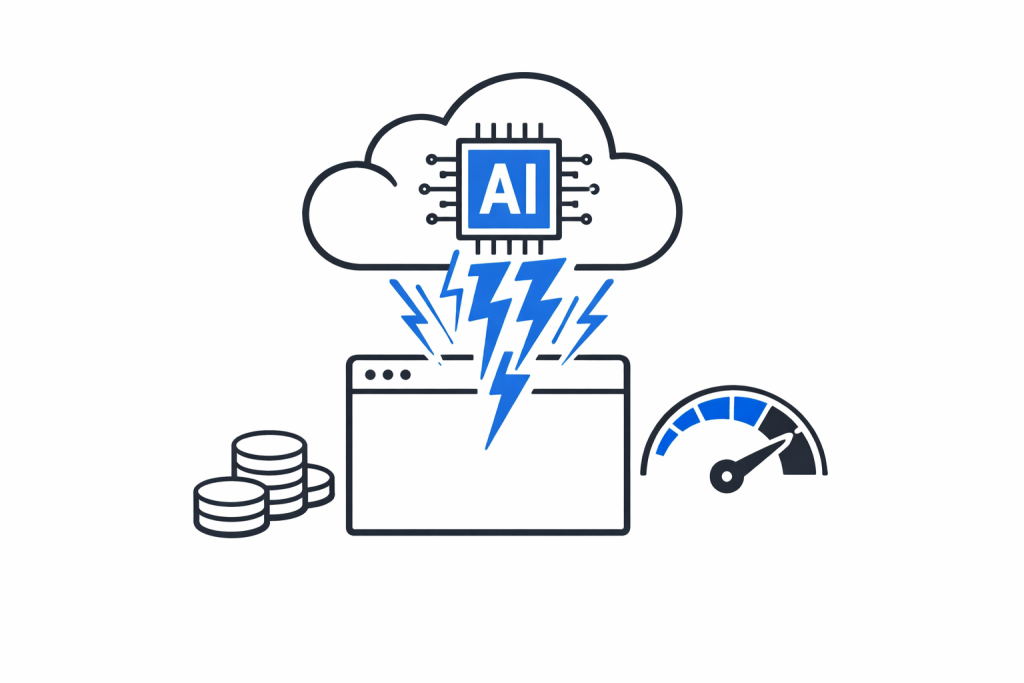
Supported CAPTCHAs: reCAPTCHA v2/v3/Enterprise, GeeTest, Cloudflare Turnstile, standard text CAPTCHA.
Integration: the CapMonster Cloud extension connects to the service. You need a ZennoLab/CapMonster API key (registration required).
Operating model: fully AI-based. Tasks are not sent to humans - the service uses ZennoLab neural networks and machine learning algorithms.
Price/plans: extremely low: from $0.02 per 1000 image processing operations. That means tens of thousands of requests cost pennies.
Solving speed: very high - solutions arrive almost instantly.
Accuracy: high for the stated types (especially reCAPTCHA). Recognition quality is very good for common CAPTCHAs, slightly weaker in rare edge cases.
API/key: a CapMonster Cloud key is required.
Compatibility/permissions: Chrome (MV3); permissions include reading pages and sending requests.
Pros/Cons
Pros: very fast solving; extremely cheap at high volumes; high accuracy for standard CAPTCHAs; simple extension (just enter the key).
Cons: no humans - new complex CAPTCHAs may not be handled; requires online access; limited type list.
5. Buster
Buster: Captcha Solver for Humans is a free (open-source) extension for Chrome, Firefox, Edge.
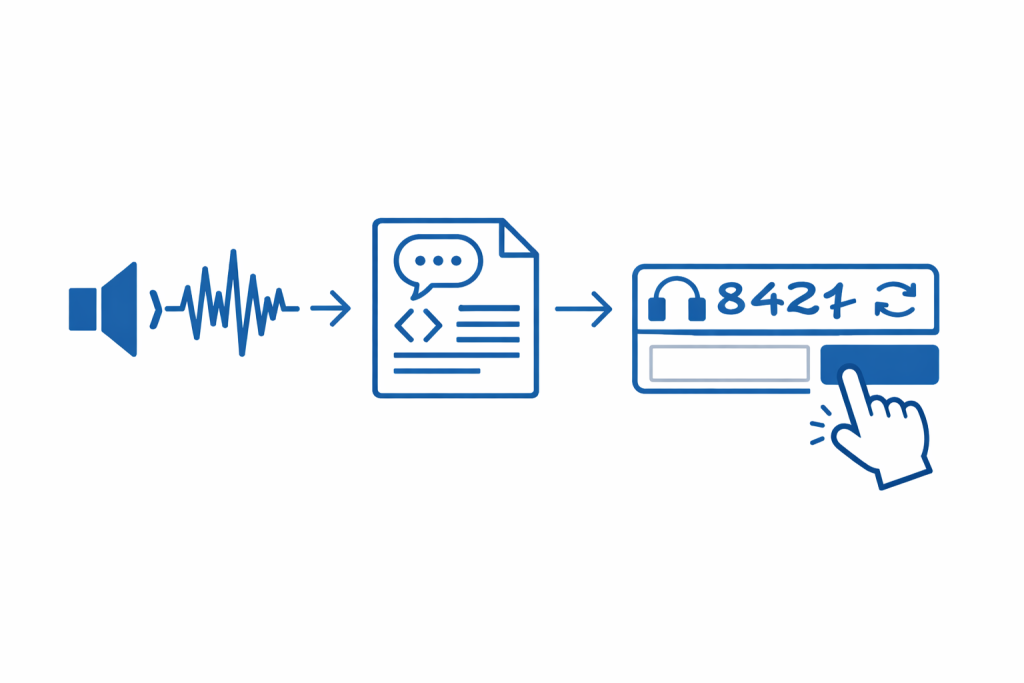
Supported CAPTCHAs: only reCAPTCHA v2 (including the “I’m not a robot” checkbox with an audio challenge). It does not solve other types (hCaptcha, FunCaptcha, Cloudflare, etc.).
Integration: no registration or API keys required. Works immediately after installation.
Operating model: uses local speech recognition (speech-to-text) for reCAPTCHA audio challenges. When CAPTCHA appears, the extension adds a button next to the audio field - the user clicks “Buster”, the extension downloads the audio file and, via built-in ASR (Google Speech API or a local engine), obtains the solution text. Then it inserts the recognized text into the field and submits the form.
Price/plans: free.
Solving speed: usually 10–30 seconds (full cycle), often 10–20 seconds. It depends on audio quality. If recognition fails, you can request a new audio challenge.
Accuracy: far from 100%. If the audio is simple (clear digits/letters), accuracy is high. If there’s noise or complex words, recognition can fail, but you can retry. Buster itself warns that some CAPTCHAs may be impossible (for example, if Google makes the audio harder).
API/key: not required.
Compatibility/permissions: Chrome MV3, access only to the current tab. Does not work automatically in headless mode (requires a physical click on the extension button).
Pros/Cons
Pros: completely free and open-source; easy to use; no keys or balance needed; useful for accessibility (for visually impaired users).
Cons: solves only reCAPTCHA v2; requires manual clicking - not suitable for automation; sometimes fails on poor audio.
Other Extensions
NopeCHA. An AI-based extension for reCAPTCHA and hCaptcha. Free for personal use (up to 3 million users). Cons: very low rating (2.9/5), load limits, no guaranteed result.
hektCaptcha. A free local AI solver for hCaptcha only. No accounts or keys required. Good for those who regularly encounter hCaptcha, but offers limited practical value beyond that.
miniRPA (Captcha Solver: automate). A plugin by developer woodlands driver 14; solves reCAPTCHA, hCaptcha, and MTCaptcha using deep learning. Offers a free trial period. Rating 3.8 (358 reviews). Pros: trial; cons: still few users and complaints about accuracy.
Other. There are niche extensions (for example, reCAPTCHA-only) and solutions from other services (DeathByCaptcha, AZcaptcha, etc.), but they haven’t become popular enough to make the top-5.
Comparison Table
| Extension | Supported CAPTCHAs | Solving Model | Price/Plans | Rating (Chrome Web Store) |
| SolveCaptcha | reCAPTCHA (v2/v3/Ent, invisible), FunCaptcha, GeeTest, Cloudflare, etc. | Hybrid (AI + human) | ≈$0.35–50/1000 (depends on type) | 4.5/5 |
| 2Captcha | Nearly all (reCAPTCHA v2/v3/Ent, GeeTest, FunCaptcha, KeyCaptcha, etc.) | 100% human-solved | ~$1–3/1000 reCAPTCHA; ~$0.5/1000 image | 4.6/5 |
| Anti-Captcha | reCAPTCHA v2/v3/Ent, GeeTest, FunCaptcha, standard CAPTCHAs, KeyCaptcha | 100% human-solved | ~$0.5–3/1000 (depends on CAPTCHA) | 4.3/5 |
| CapMonster Cloud | reCAPTCHA v2/v3/Ent, GeeTest, Cloudflare, text (OCR) | AI solving | from $0.02/1000 images | 4.4/5 |
| Buster | Only reCAPTCHA v2 (audio) | Local (speech-to-text) | Free | 3.9/5 |
| MiniRPA | reCAPTCHA, hCaptcha, MTCaptcha | AI (deep learning) | Trial, then paid | 3.8/5 |
| NopeCHA | reCAPTCHA, hCaptcha, etc. (AI) | AI solving | Free for personal use | 2.9/5 |
| hektCaptcha | Only hCaptcha | Local (AI) | Free | 3.7/5 |
Recommendations
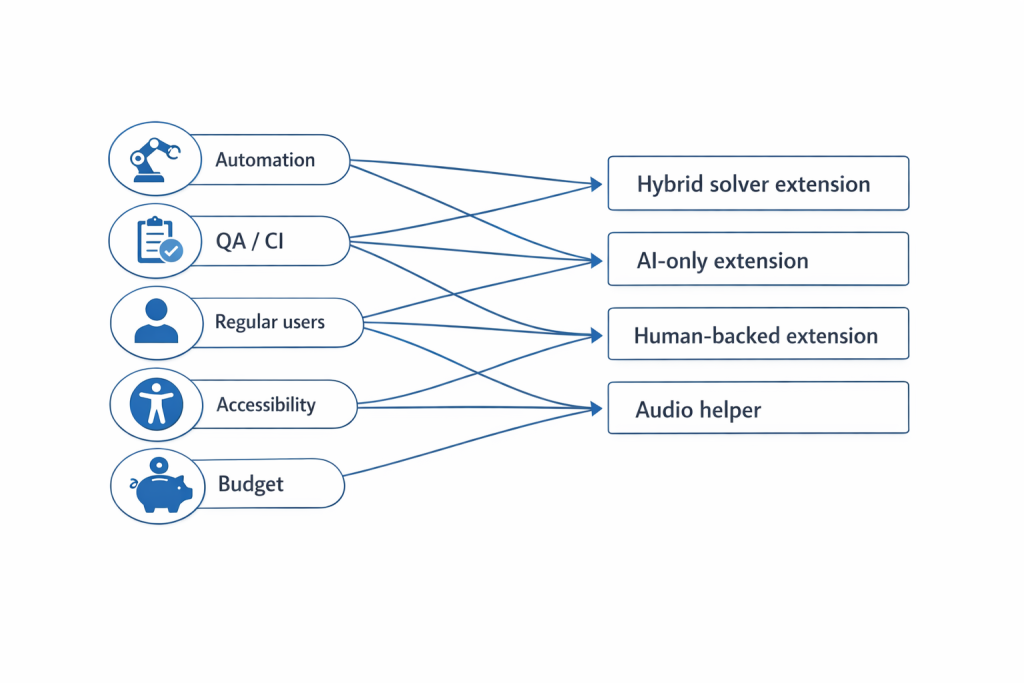
For web automation (scraping, testing, CI/CD), paid solutions with human support are recommended: 2Captcha, SolveCaptcha, CapMonster Cloud. They provide the broadest coverage. CapMonster and SolveCaptcha are advantageous for speed if you need minimal delays; 2Captcha is best if you need the widest CAPTCHA-type coverage.
For QA and CI integration, the best choice is SolveCaptcha or CapMonster - they run fully in the background and return tokens quickly. SolveCaptcha is easy to embed into tests (recommendations for Puppeteer/Selenium are available).
For regular users, SolveCaptcha (simple UI) or Buster (free, but only for reCAPTCHA) are convenient. Buster suits those who want to pass the “I’m not a robot” check without spending money. SolveCaptcha suits those willing to pay for broad support.
For users with accessibility needs, Buster is the most suitable - it helps pass reCAPTCHA without extra effort.
To save money, you can try NopeCHA or hektCaptcha - they are free, but work only for limited tasks and without guarantees.
Final top-5: considering all factors (CAPTCHA support, speed, price, convenience), the best solutions in different categories are:
- 2Captcha - a proven “old-timer” with the largest CAPTCHA type base.
- SolveCaptcha - broad support and a hybrid approach;
- Anti-Captcha - broad coverage and high accuracy;
- CapMonster Cloud - lightning-fast AI processing at a low price;
- Buster - the best free solution for reCAPTCHA (accessibility).
Each of these extensions fits its own audience and task.
Conclusion
As automated workflows and large-scale web interactions become more common, tools that can reliably handle CAPTCHA challenges are increasingly necessary. The extensions covered in this comparison take different approaches, some prioritizing broad coverage through human assistance, others focusing on speed and cost efficiency through AI-based solving.
The right choice depends on your specific use case, including the CAPTCHA types you encounter, performance requirements, and budget. Understanding these trade-offs makes it easier to select an extension that fits seamlessly into your browsing or automation workflow.