
Privacy tools have never been more popular, or more confusing. Everyone seems to have a different answer for staying anonymous online. With over 80% of websites deploying sophisticated tracking mechanisms, the quest for true anonymity has led many to solutions like Tor Browser and anti-detect browsers like Incogniton.
Both promise to shield your identity, but their approaches, capabilities, and ideal users are worlds apart.
Tor, the venerable champion of anonymity, uses a decentralized network to encrypt and reroute your traffic, making it a favorite for journalists and activists in high-risk environments.
Meanwhile, anti-detect browsers like Incogniton have surged in popularity among digital professionals: marketers, e-commerce sellers, and affiliate managers, who need to manage multiple online accounts without triggering bans from platforms like Facebook, Amazon, or Google Ads.
This guide breaks down exactly how each tool works, where each excels, and which one is right for your specific situation.
What is Tor Browser all about?
Tor Browser is the gateway to the Tor network, a volunteer-operated system designed to provide the highest possible level of anonymity for your internet traffic.
Its primary goal is to make your online activity untraceable back to you. It achieves this through a process called onion routing. When you browse through Tor, your data gets encrypted and passed through at least three random relays before it ever touches the public internet. Each relay only knows the immediate step before and after it, making it virtually impossible for any single point to link your origin to your destination. No single point can connect you to what you're doing online.cross the globe before exiting to the public internet.
Tor is free, open-source, and non-profit, championed by privacy advocates worldwide. It’s the tool you use when you want to be a ghost on the network, leaving no trail for governments, ISPs, or surveillance entities to follow.
How it operates
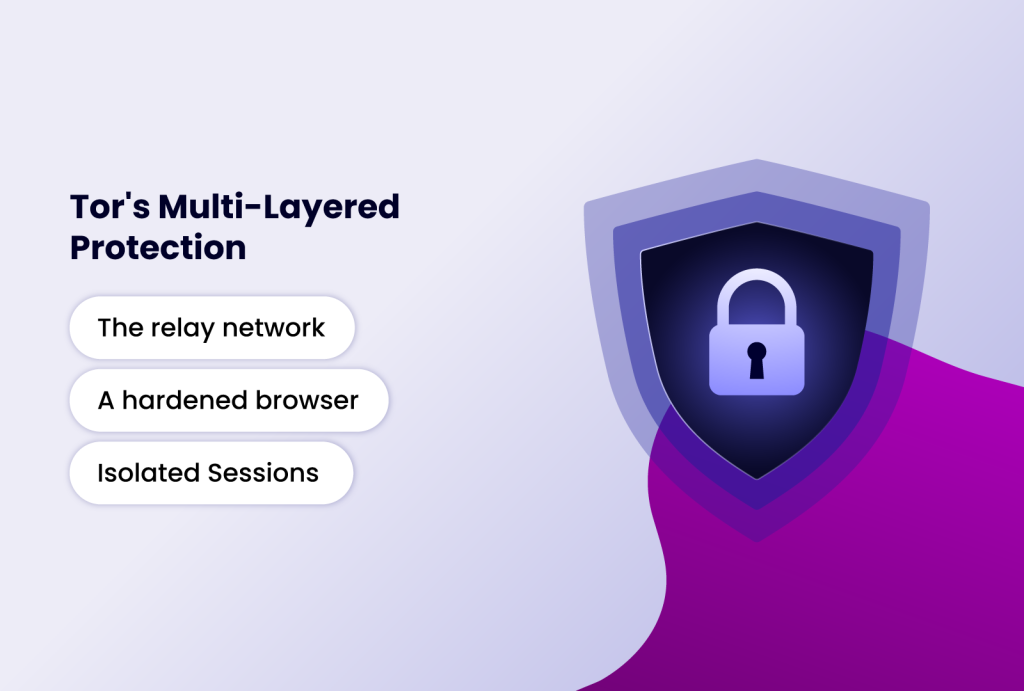
Tor's protection comes from several layers working together:
- The relay network: Your connection passes through an entry, middle, and exit relay. Your ISP can see that you're using Tor, but has no visibility into your actual activity.
- A hardened browser: Tor Browser is a heavily modified version of Firefox. It automatically blocks plugins like Flash and Java, uses strict anti-fingerprinting techniques (like standardizing window sizes and blocking canvas fingerprinting scripts), and forces all connections through HTTPS where possible via HTTPS Everywhere.
- Isolated Sessions: It uses a principle called "circuit isolation," where different websites are assigned different Tor circuits, preventing them from linking your activities across sites.
The final relay where your traffic exits to the clear web is a potential vulnerability. If the exit node is malicious, it could eavesdrop on unencrypted (HTTP) traffic. This is why using HTTPS is critical within Tor.
What is Incogniton all about?
Incogniton is a professional grade anti-detect browser. Its core philosophy is not just anonymity but undetectability and operational efficiency. It is designed for users who need to create and manage multiple, isolated, and persistent online identities (browser profiles) that appear as unique, legitimate users to websites.
While it protects your real identity, its superpower is spoofing your digital fingerprint—the collection of dozens of data points (like screen size, fonts, WebGL, and timezone) that websites use to track and identify browsers.
Incogniton is built for scale, collaboration, and automation, catering to business workflows where managing dozens of social media, ad, or e-commerce accounts is a daily necessity.
How Incogniton operates
Each profile in Incogniton is a completely isolated container with its own dedicated browser cache, cookies, local storage, and—most importantly—a unique, spoofed digital fingerprint. This prevents cross-profile contamination.
Unlike Tor's defensive hardening, Incogniton proactively generates and manages fingerprints. You can randomize over 25+ parameters (Canvas, WebGL, AudioContext, timezone, fonts, etc.) or manually fine-tune them to mimic specific devices and locations. This makes each profile appear as a distinct, real user to anti-fraud systems.
While Tor has a built-in proxy (its network), Incogniton allows you to assign a dedicated proxy (residential, mobile, or datacenter) to each profile. This pairs a unique IP address with a unique fingerprint, creating a highly convincing digital identity. As noted in our piece on VPN vs. Incogniton, using a proxy/VPN with Incogniton creates a powerful, multi-layered privacy stack.
Finally, these profiles are saved and can be synced via the cloud. You can return to a profile days later, and all your cookies, login sessions, and history (if saved) will be intact. This is essential for maintaining long-term accounts.
Head-to-Head Feature Comparison
| Feature | Tor Browser | Incogniton anti-detect browser |
| Primary Goal | Maximum anonymity & censorship circumvention. | Private and anonymous browser; multi-account management |
| Core Technology | Onion routing network (decentralized relays). | Browser profile virtualization & browser fingerprint spoofing. |
| Speed | Very Slow. Traffic routed globally through multiple hops. | Fast. Connects directly via your proxy or ISP. |
| Fingerprint Protection | Good (defensive). Hardens browser to resist fingerprinting. | Excellent (offensive). Actively creates and manages unique, realistic fingerprints. |
| IP Address Masking | Excellent. IP changes with each new circuit (every 10 mins by default). | Excellent (with proxy). You assign a static or rotating IP per profile. |
| Profile Management | None. Each session is effectively fresh. | Advanced. Create, save, clone, tag, and organize hundreds of profiles. |
| Persistence | None. Closing the browser wipes most data. | Full. Cookies, logins, and history are saved per profile. |
| Use Case Fit | Sensitive research, whistleblowing, accessing censored info. | Social media management, affiliate marketing, ad campaigns, e-commerce, web scraping. |
| Ease of Use | Simple to start, but requires understanding of its limitations. | User-friendly dashboard; setup for advanced use (proxies, fingerprints) has a learning curve. |
| Team Collaboration | Not supported. | Built-in. Share profiles, assign roles (view/edit), cloud sync. |
| Automation | Not supported and actively discouraged (harms network). | Fully supported via API, Selenium, Puppeteer, and built-in tools like Synchronizer. |
| Cost | Free. | Freemium model (free tier available), with paid plans for advanced features. |
Critical Limitations and Risks: What They Don't Tell You
No tool is perfect. Understanding the drawbacks is key to using either safely.
Tor Browser's Major Drawbacks:
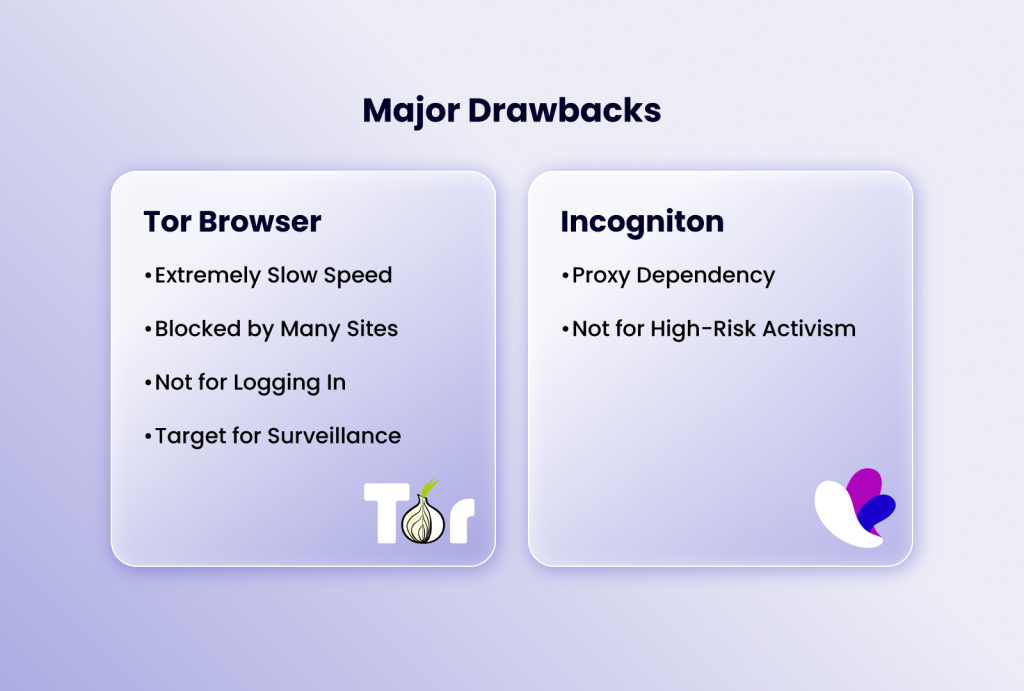
- Extremely Slow Speed: The multi-hop routing introduces significant latency. Streaming video, downloading large files, or general browsing is noticeably slow.
- Blocked by Many Sites: Because Tor exit nodes are often used for abuse, many websites (including Google, Cloudflare-protected sites, and financial institutions) block or heavily CAPTCHA traffic from them.
- Not for Logging In: If you log into a personal account (like Google or Facebook) over Tor, you immediately deanonymize yourself to that service. Tor protects your traffic, not your accounts.
- Target for Surveillance: Merely connecting to the Tor network can draw attention from certain ISPs or government agencies, even if your activity is legitimate.
Incogniton's Major Drawbacks:
- Proxy Dependency: Without a quality, private proxy, your unique fingerprint is tied to your real IP, nullifying much of the protection. This adds cost and complexity.
- Not for High-Risk Activism: It is not designed to protect against state-level adversaries. Your traffic is not encrypted through a multi-hop network like Tor's.
Practical Use Cases: Which Tool Should You Actually Use?
Your choice isn't about which is "better," but which is right for the job.
Use Tor Browser If:
- You need to access information or communicate in a country with heavy censorship or surveillance.
- You are a journalist, researcher, or activist handling sensitive sources and data.
- Your priority is making a single, anonymous inquiry or visit without any trace on your local machine.
- You are testing your website's accessibility from different global locations (via different exit nodes).
Use Incogniton If:
- You manage multiple social media, advertising, or e-commerce seller accounts for business or marketing.
- You run an agency and need to securely share client account access with team members.
- You are involved in affiliate marketing, dropshipping, or arbitrage requiring distinct digital identities.
- You need to conduct competitive research or web scraping without getting IP-blocked.
- You want to separate your personal, work, and side-project browsing with fully isolated, persistent environments.
Conclusion
Tor Browser is the right choice for anonymity in high-risk situations. It obscures your network traffic globally, though at the cost of speed and convenience. Incogniton is built for operational scale, excelling at managing multiple undetectable online identities for business use cases Tor was never designed for.
Incogniton, conversely, is the ultimate tool for operational stealth and scale. It excels at making multiple online identities not just anonymous, but authentically undetectable in the commercial digital landscape. It protects your business from platform bans, enables team collaboration, and automates workflows—functions Tor was never designed to perform.
Therefore, the question "Which actually protects you?" depends on what you're protecting against. For evading surveillance and censorship, use Tor. If you aim to manage multiple portfolio accounts without detection, Incogniton is your go-to. Knowing the difference lets you deploy the right tool for your specific needs.