
If you're comparing Brave and Incogniton, you're probably not a casual user. You're managing accounts, handling multiple identities, or operating in spaces where your browser choice has real professional consequences.
Both browsers promise privacy, but they're solving for completely different users. Brave is built for users where the worst case is a targeted ad. Incogniton is built for professionals whose worst case is a flagged campaign or even a suspended account. If that distinction doesn't immediately tell you which camp you're in, that's exactly what this comprehensive guide is for.
In this article, we break down the core differences, features, and use cases for both Brave and Incogniton so you can make a clear, informed choice.
What Is Incogniton?
Incogniton is a dedicated anti-detect browser. Its primary function is to allow users to create and manage multiple, completely isolated browser profiles, each with a unique and spoofed digital fingerprint. This makes it appear to websites as if each profile is a different person using a different device from a different location.
Incogniton is a professional tool built for scale, automation, and collaboration, often used for multi-accounting, social media management, affiliate marketing, and web scraping.
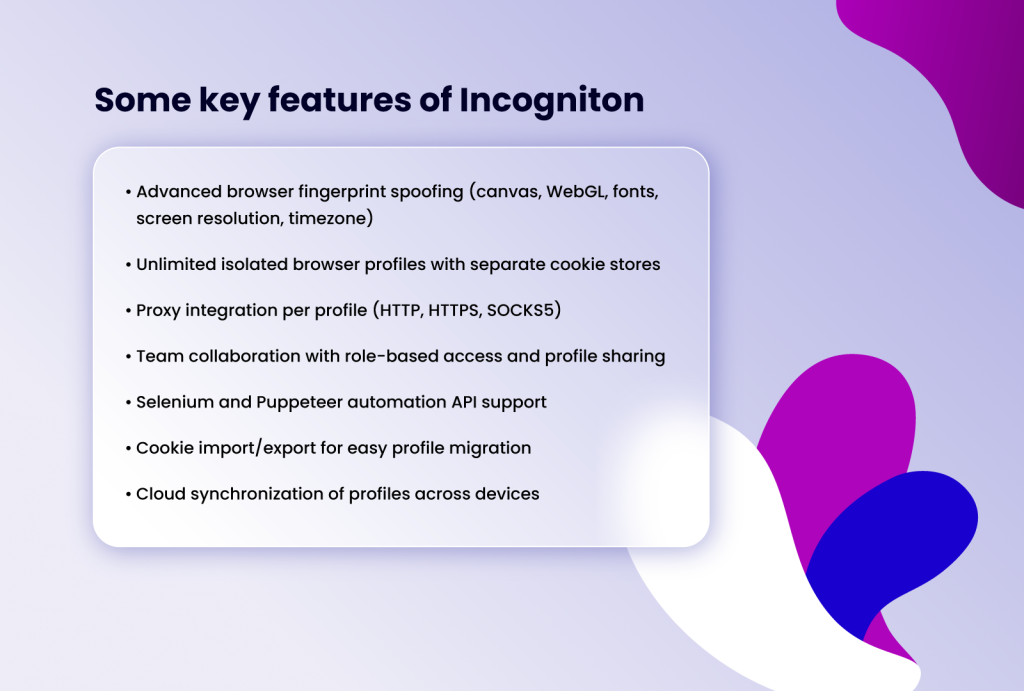
- Advanced browser fingerprint spoofing (canvas, WebGL, fonts, screen resolution, timezone)
- Unlimited isolated browser profiles with separate cookie stores
- Proxy integration per profile (HTTP, HTTPS, SOCKS5)
- Team collaboration with role-based access and profile sharing
- Selenium and Puppeteer automation API support
- Cookie import/export for easy profile migration
- Cloud synchronization of profiles across devices
What Is Brave Browser?
Brave is a free, open-source web browser built on the Chromium engine. It was founded in 2016 by Brendan Eich (co-founder of Mozilla and creator of JavaScript) with a bold mission: to fix the broken web advertising model while giving users unparalleled privacy by default.
Unlike traditional browsers, Brave automatically blocks ads, third-party trackers, and cross-site cookies out of the box. It also comes with a built-in Tor private window option, a native crypto wallet, and an optional paid VPN — making it a comprehensive suite of privacy tools in one familiar browser interface.
Some key features of Brave Browser
- Brave Shields: blocks ads, trackers, fingerprinting attempts, and malicious scripts
- Built-in Tor integration for anonymous
- Brave VPN (paid) for full IP masking
- Privacy-respecting search engine (Brave Search)
- IPFS (InterPlanetary File System) support
- Basic Attention Token (BAT) rewards for opting into privacy-respecting ads
- Available on desktop (Windows, macOS, Linux) and mobile (iOS, Android)
Incogniton vs Brave Browser: Full Feature Comparison
The table below provides a side-by-side breakdown of both tools across the most important features:
| Feature | Incogniton | Brave Browser |
| Primary Use Case | Multi-account management & anti-detect browsing | Privacy-focused everyday web browsing |
| Browser Profiles | Unlimited (up to 10 on free plan) | Basic profile separation (not anti-detect) |
| Fingerprint Spoofing | Yes – full canvas, WebGL, timezone, user agent | No – does not spoof browser fingerprints |
| Ad & Tracker Blocking | Basic (relies on proxy settings) | Built-in Shields – blocks ads, trackers, scripts |
| Proxy Integration | Full support (HTTP, SOCKS5, per profile) | Limited (manual system-level proxy only) |
| Team Collaboration | Yes – share profiles, roles, permissions | No team collaboration features |
| Automation Support | Yes – Selenium & Puppeteer integration | No native automation support |
| Cookie Management | Per-profile isolated cookies (import/export) | Standard cookie controls + clearing |
| Built-in VPN / Tor | No (use external proxy) | Yes – Brave VPN (paid) and Tor private window |
| Pricing | Free (10 profiles); paid from $29.99/month | Free (browser); VPN is paid add-on) |
| Best For | Marketers, agencies, e-commerce, web scrapers | Privacy-conscious everyday users |
| Platform | Windows | Windows, macOS, Linux, iOS, Android |
1. Privacy & Anti-Fingerprinting
Incogniton: This is where Incogniton excels as a specialist. It offers advanced fingerprint spoofing, manipulating over 25+ parameters like Canvas, WebGL, AudioContext, timezone, fonts, and screen resolution. Each profile can be fine-tuned or randomized to mimic a real, unique device. This is essential for bypassing platform detection algorithms when managing multiple accounts.
Brave: Brave offers strong privacy protections for standard browsing. Its Shields feature blocks invasive ads, cross-site trackers, and fingerprinting scripts by default. However, its approach is defensive—it tries to make your fingerprint more common or block its collection, not actively spoof it to create a new, distinct identity. For advanced fingerprinting tests, a determined site may still be able to gather enough consistent data to identify "Brave Browser user X," unlike Incogniton's method of presenting a wholly different fingerprint per profile.
2. Profile & Multi-Account Management
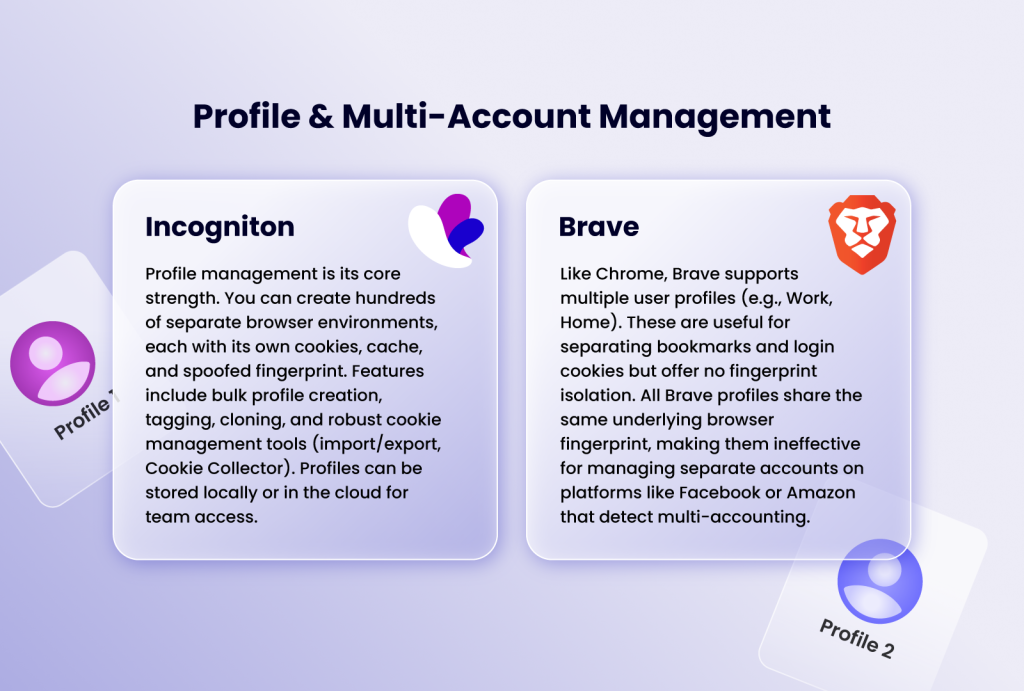
Incogniton: Profile management is its core strength. You can create hundreds of separate browser environments, each with its own cookies, cache, and spoofed fingerprint. Features include bulk profile creation, tagging, cloning, and robust cookie management tools (import/export, Cookie Collector). Profiles can be stored locally or in the cloud for team access.
Brave: Like Chrome, Brave supports multiple user profiles (e.g., Work, Home). These are useful for separating bookmarks and login cookies but offer no fingerprint isolation. All Brave profiles share the same underlying browser fingerprint, making them ineffective for managing separate accounts on platforms like Facebook or Amazon that detect multi-accounting.
3. Proxy Integration & Geolocation
Incogniton: Built for professional use, it offers deep proxy integration. You can assign a unique proxy (HTTP, HTTPS, SOCKS5) to each profile, test connections in-app, and even access a built-in proxy marketplace. This allows you to pair a German IP address with a profile that has a German timezone and language setting for perfect geo-targeting.
Brave: You can configure a system-wide or browser-level proxy, but it's a global setting for the entire browser instance, not per-tab or per-profile. For changing geolocation, you would rely on a VPN extension or system VPN, which lacks the granular, profile-specific control crucial for anti-detect operations.
4. Automation & Collaboration
Incogniton: Designed for scalability. It offers native API and SDK support for Selenium, Puppeteer, and Playwright, enabling full automation of profile control and browsing tasks. Team collaboration features allow secure profile sharing with customizable permissions (view, edit, admin), making it ideal for agencies.
Brave: As a consumer browser, it lacks native automation APIs or team collaboration features. Automation would require standard extension-based tools, which are less reliable for large-scale, multi-profile workflows.
5. Performance & User Experience
Incogniton: Performance is optimized for running multiple virtualized environments. This can consume more RAM than a standard browser but is necessary for its function. The interface is a dedicated dashboard for managing profiles, which has a learning curve but is highly efficient for its purpose.
Brave: Often praised for its speed. By blocking ads and trackers by default, web pages load faster and use less bandwidth and memory than browsers like Chrome. The interface is clean, familiar to Chrome users, and requires no special setup for basic privacy benefits.
6. Pricing Model
Incogniton: Operates on a SaaS subscription model based on the number of profiles you need. It offers a generous free trial (10 profiles) before moving to paid tiers (e.g., $29.99/month for 50 profiles). You're paying for a professional business tool.
Brave: Is completely free. Its revenue model is based on its optional Brave Rewards program (where users can view privacy-respecting ads for cryptocurrency) and affiliate partnerships.
Use Cases: Which Browser Is For You?
Choose Incogniton if:
- You are a professional managing multiple accounts on social media, e-commerce (Amazon, Shopify), advertising platforms (Google Ads, Facebook Ads), or affiliate networks.
- Your work requires bypassing geo-restrictions or anti-fraud systems with precise proxy and fingerprint control.
- You need to automate repetitive tasks (logging in, posting, data extraction) across many accounts.
- You work in a team and need to securely share and collaborate on browser profiles and client accounts.
Choose Brave Browser if:
- You are an individual user seeking a more private, faster, and ad-free daily browsing experience.
- You want strong default protection against trackers and malware without configuring complex extensions.
- You value a familiar, Chromium-based interface but want to move away from data-hungry browsers like Chrome.
- Your goal is to support a privacy-first web ecosystem through a free, open-source tool.
Can You Use Both Incogniton and Brave Together?
Absolutely. And in many cases, this is the smartest approach. Some professionals use Brave as their personal, everyday browser while running Incogniton separately for business-related multi-account operations. This way, you benefit from Brave's seamless ad-blocking and privacy for personal browsing, while leveraging Incogniton's professional-grade identity management for work.
There's no technical conflict between running both browsers simultaneously, and having them serve distinct purposes can be an efficient setup for digital professionals.
Conclusion
The decision between Incogniton and Brave Browser is not a contest between two similar products, but a choice between two different categories of tools serving different masters.
Brave is an excellent upgrade for your everyday internet browsing. It’s the browser you install to replace Chrome or Firefox - delivering tangible privacy and performance benefits with zero cost. It protects the identity you already have.
Incogniton is a specialized professional workstation. It’s the tool you use to create and manage multiple identities for business, research, or marketing purposes. It’s an investment in capability, scale, and operational security for specific, high-stakes online activities.
For the vast majority of regular users looking to enhance their daily privacy, Brave is the perfect, straightforward choice. However, for professionals whose livelihood depends on managing multiple online personas without detection, Incogniton is not just the best choice; it's the necessary one. Assess your primary need, and let that guide your selection.