
Over the past year, discussions around MCPs have been everywhere in the tech ecosystem. It dominated AI Twitter, developer forums, and conference talks, often mentioned in the same breath as “agents,” “tools,” and “the next leap for LLMs.”
What stood out wasn’t just the hype, but the shift it represented. Large language models (LLMs) were no longer limited to static inputs and outputs; they could now interact with software in a structured, reliable way.
That momentum has since moved from theory to practice, and Browser MCP is a clear example of that: an integration built on the Model Context Protocol (MCP) that allows LLMs to interact with real web browsers. Instead of only generating text, AI systems can now click, scroll, fill forms, and extract data from live websites using tools like the Browser MCP server.
In this guide, I’ll break down everything you need to know about Browser MCP, its practical use cases, and how it fits into the broader ecosystem of tools that make browser-based automation.
What Is MCP (Model Context Protocol)?
Before diving into Browser MCP specifically, it helps to understand what the Model Context Protocol actually is. MCP is an open standard and open-source framework introduced by Anthropic in November 2024 to standardize the way AI systems like large language models integrate and share data with external tools, systems, and data sources.
Think of it like a universal adapter. Just as USB-C provides a standardized way to connect electronic devices, MCP provides a standardized way to connect AI applications to external systems. Before MCP came along, developers had to build a custom connector every time they wanted their AI to interact with a new tool or data source. MCP solves that fragmentation by providing one consistent protocol that works across the board.
Following its announcement, the protocol was adopted by major AI providers, including OpenAI and Google DeepMind. Today, it underpins a growing ecosystem of integrations, including the ability to give AI models direct control over a web browser.
What Is Browser MCP?
Browser MCP refers to the use of MCP to connect an AI agent or LLM to a real, controllable web browser. Instead of an AI merely generating text about what it thinks a webpage contains, Browser MCP allows the model to actually navigate URLs, click buttons, fill out forms, take screenshots, and extract structured data, all in real time.
The most prominent implementation of this concept is Playwright MCP, developed by Microsoft. Playwright MCP is a Model Context Protocol server that enables LLMs and AI agents to automate browser interactions using Playwright, an open-source tool by Microsoft for cross-browser testing.
Another major implementation comes from the Chrome DevTools side. The Chrome DevTools MCP server adds debugging capabilities to your AI agent, allowing AI coding assistants to debug web pages directly in Chrome and benefit from DevTools debugging capabilities and performance insights.
There are also cloud-based solutions, like Browserbase, which provides an MCP server that enables LLMs to interact with web pages, take screenshots, extract information, and perform automated actions with atomic precision.
How Does Browser MCP Work?
At a technical level, Browser MCP follows the standard MCP client-server architecture. The AI model (or the agent orchestrating it) acts as the MCP client.
The browser automation tool — such as Playwright — acts as the MCP server. When the model wants to perform a browser action, it sends a structured request to the MCP server, which executes the action in the browser and returns the result.
What makes Playwright MCP particularly powerful is its Snapshot Mode. Rather than relying on screenshots (which require vision models and introduce ambiguity), it reads the browser's accessibility tree.
This produces a structured, text-based representation of the page that LLMs can parse efficiently and accurately. Playwright MCP is fast and lightweight, uses Playwright's accessibility tree rather than pixel-based input, requires no vision models, and operates purely on structured data.
There is also a Vision Mode available as a fallback for pages with visual elements that don't appear in the accessibility tree, such as canvas components — though this is slower and less commonly needed.
Playwright MCP integrates with tools like Claude Desktop, Cursor IDE, and VS Code via GitHub Copilot. The setup process involves running an MCP server locally (or connecting to a remote one), then pointing your AI client at that server via a JSON configuration file.
Key Use Cases for Browser MCP
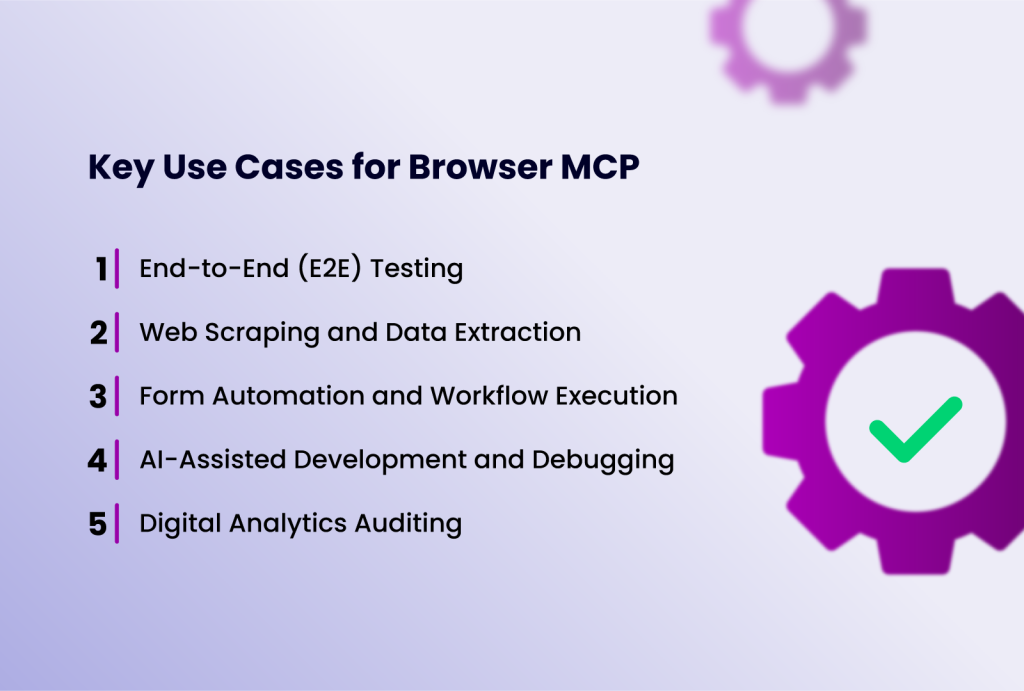
Below are some of the most common ways teams are already using Browser MCP to automate workflows, reduce manual effort, and extend what traditional browser automation can do:
1. End-to-End (E2E) Testing
One of the most immediately valuable use cases is automated software testing. Playwright MCP unlocks intelligent agent behaviors, including automated test execution and exploration, test generation, automating manual tests from user stories or requirements, and task automation such as filling forms and walking through workflows.
Rather than writing every test step manually, engineers can now describe a goal in plain English and let the AI agent figure out the browser actions needed to achieve it. Previously, you had to write every step manually — "go to page," "click button," "assert text." Now, with MCP and Playwright agents, you can ask the system to figure out and execute those steps for you.
2. Web Scraping and Data Extraction
Browser MCP is a natural fit for intelligent web scraping. Because the AI reads the accessibility tree rather than raw HTML, it can extract data more reliably from dynamic, JavaScript-heavy pages. Use cases include price monitoring, lead generation, competitive research, and content aggregation.
3. Form Automation and Workflow Execution
AI agents using Browser MCP can log into web applications, fill out forms, submit data, and walk through multi-step workflows without human involvement. This is transformative for repetitive digital tasks in industries like insurance, finance, healthcare, and e-commerce.
4. AI-Assisted Development and Debugging
AI coding assistants are able to debug web pages directly in Chrome and benefit from DevTools debugging capabilities and performance insights, improving their accuracy when identifying and fixing issues. GitHub Copilot's Coding Agent, for instance, uses Playwright MCP to open a browser and verify that code changes actually work as expected.
5. Digital Analytics Auditing
Browser MCP is also being used for analytics tag verification — simulating user journeys and confirming that tracking scripts fire correctly on page loads, form submissions, and button clicks. This dramatically reduces the manual effort involved in QA for data collection.
Browser MCP vs. Traditional Browser Automation
Browser MCP does not exist in isolation. It sits within a broader ecosystem of browser automation tools, proxy networks, and identity management solutions. To truly appreciate what Browser MCP brings to the table, it is worth comparing it directly against traditional browser automation approaches — the kind that engineers have been using for over a decade.
Traditional browser automation tools like Selenium, Puppeteer, and Playwright rely on scripts that are entirely authored by humans. A developer must anticipate every step, map out every locator (CSS selectors, XPath, or element IDs), and handle every edge case manually.
If a webpage changes, maybe a button gets renamed, a form adds a new field, or an element shifts position, the script breaks, and a developer must go in and fix it. This brittleness is one of the most persistent frustrations in automation engineering, particularly for teams maintaining large test suites across rapidly evolving products.
The maintenance burden alone makes traditional automation expensive. For every hour spent building automations, a significant portion is spent keeping them alive. Locators go stale, page structures change, and scripts that worked fine last week suddenly fail without warning.
Browser MCP changes this dynamic fundamentally. Because an AI agent reads the browser's accessibility tree, which is usually a semantic, structured representation of a page rather than a specific CSS selector, it is far less sensitive to cosmetic or structural changes in the UI. The AI understands what a button or a form field is, not just where it happens to sit in the DOM at a given moment. This makes Browser MCP automations inherently more resilient.
The other major difference is in how instructions are given. Traditional automation requires code; you write scripts in Python, JavaScript, or another language, specifying every click, wait, and assertion explicitly. Browser MCP accepts natural language goals.
For instance, instead of writing driver.find_element(By.ID, "submit").click(), you tell the AI agent "submit the form," and it determines the correct action itself. This lowers the barrier to entry significantly and allows non-engineers to participate in building and maintaining automations.
There are areas where traditional automation still has advantages, however. For highly deterministic, performance-sensitive pipelines where every millisecond counts, a well-optimized Selenium or Playwright script may outperform an AI-driven agent that needs to reason about each step.
Traditional automation is also more predictable — it does exactly what the script says, every time, with no inference or interpretation involved. In regulated environments where auditability and exact reproducibility are requirements, that predictability can be a genuine asset.
The most practical conclusion is that Browser MCP and traditional automation are not mutually exclusive. Many teams will find value in using both: traditional scripted automation for stable, high-frequency workflows where speed and precision are paramount, and Browser MCP for exploratory testing, dynamic workflows, and tasks that would be too costly or complex to script manually.
The two approaches complement each other well, and the emergence of Browser MCP does not render existing automation infrastructure obsolete — it simply expands what is possible.
| Feature | Browser MCP | Traditional Automation |
| Instruction method | Natural language goals | Hand-written code (Python, JS, etc.) |
| Page interaction | Browser accessibility tree | CSS selectors, XPath, element IDs |
| Resilience to UI changes | High — semantic understanding | Low — locators break easily |
| Maintenance burden | Low | High |
| Setup complexity | Moderate (MCP server + AI client) | Low to moderate (script-based) |
| Execution predictability | Variable (AI reasoning involved) | Deterministic |
| Speed | Slower (inference overhead) | Faster for scripted tasks |
| Skill barrier | Low (natural language) | High (programming required) |
| Best for | Dynamic, complex, exploratory tasks | Stable, repetitive, high-frequency tasks |
Conclusion
As the ecosystem continues to mature, with tools like Playwright MCP, Chrome DevTools MCP, and complementary solutions like anti-detect browsers all advancing in parallel, the boundary between human and AI-assisted web interaction will continue to blur.
Browser MCP represents a genuine leap forward in what AI agents can accomplish. By giving LLMs structured, reliable access to real web browsers, it transforms AI from a text-generation tool into an active participant in digital workflows.
Understanding Browser MCP now means being well-positioned to harness this technology as it becomes a standard part of the modern development and automation toolkit.